Hybrid offline/online
Your inventory, available offline / online
Inventory will be able to be maintained offline, with ability to view it online.
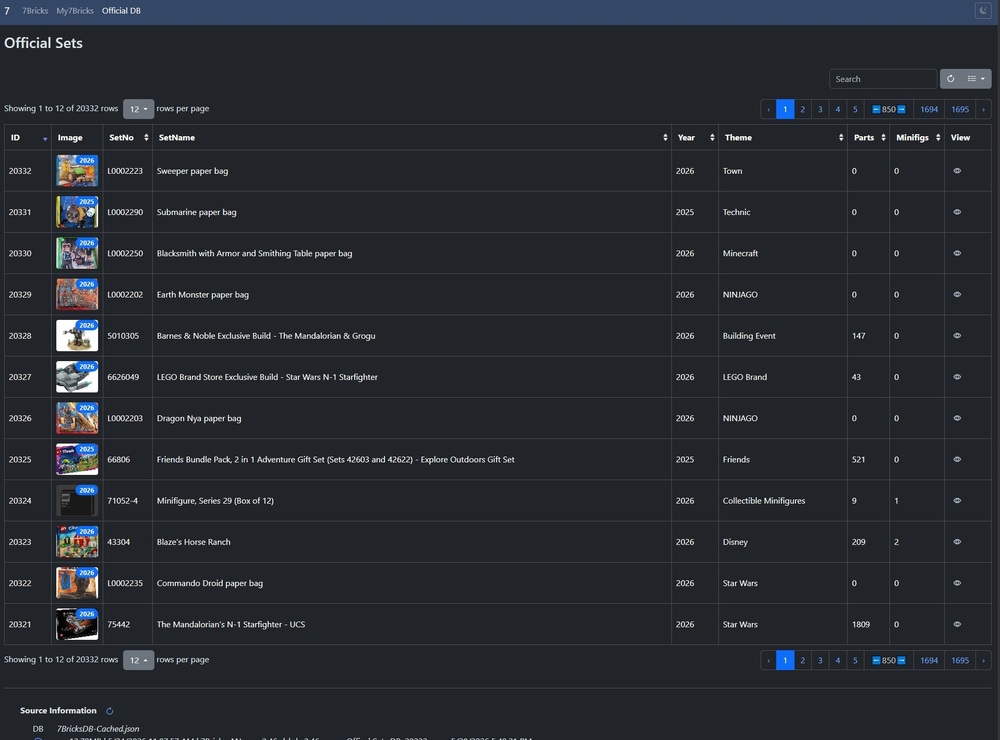
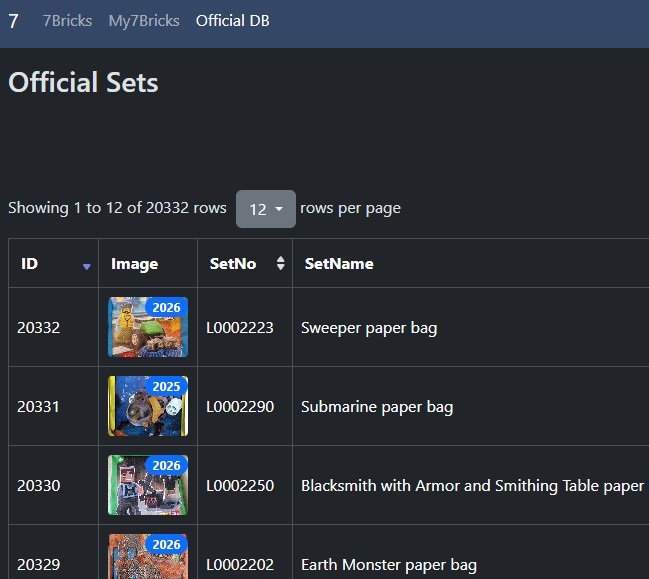
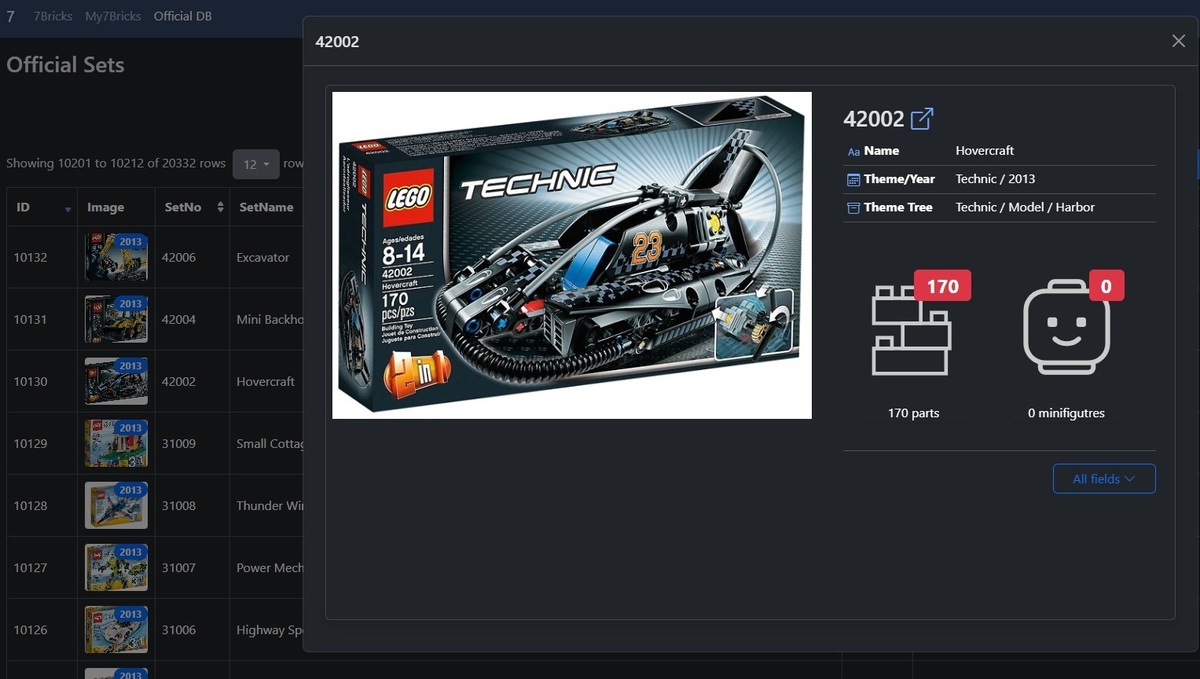
7Bricks Online browser
Browse official sets by LEGO and your inventory at the same time online.
Screenshots
Check out details of the tool, and where to find what.
As from 7Bricks v2022.28
Sheets
Important sheets in App
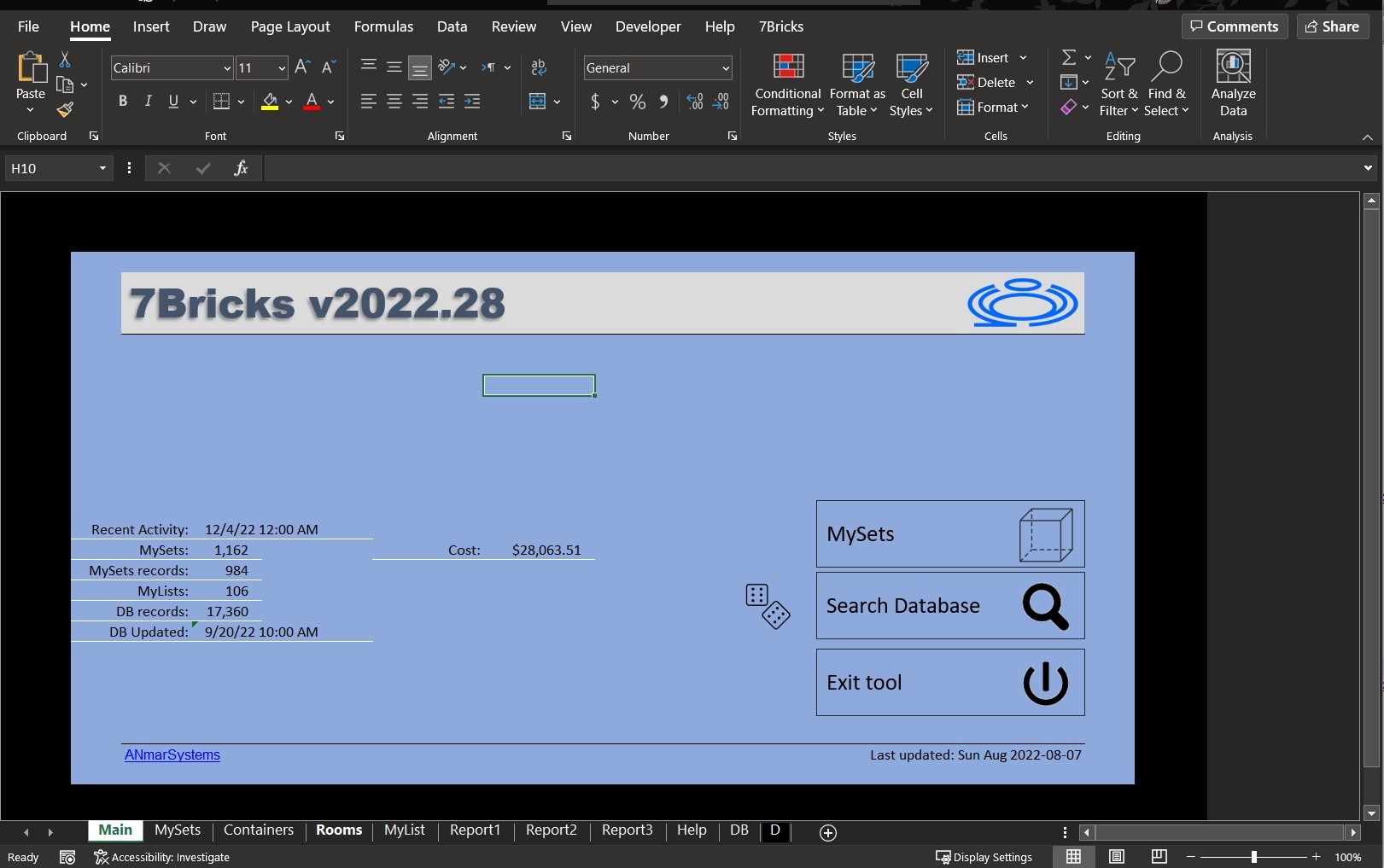
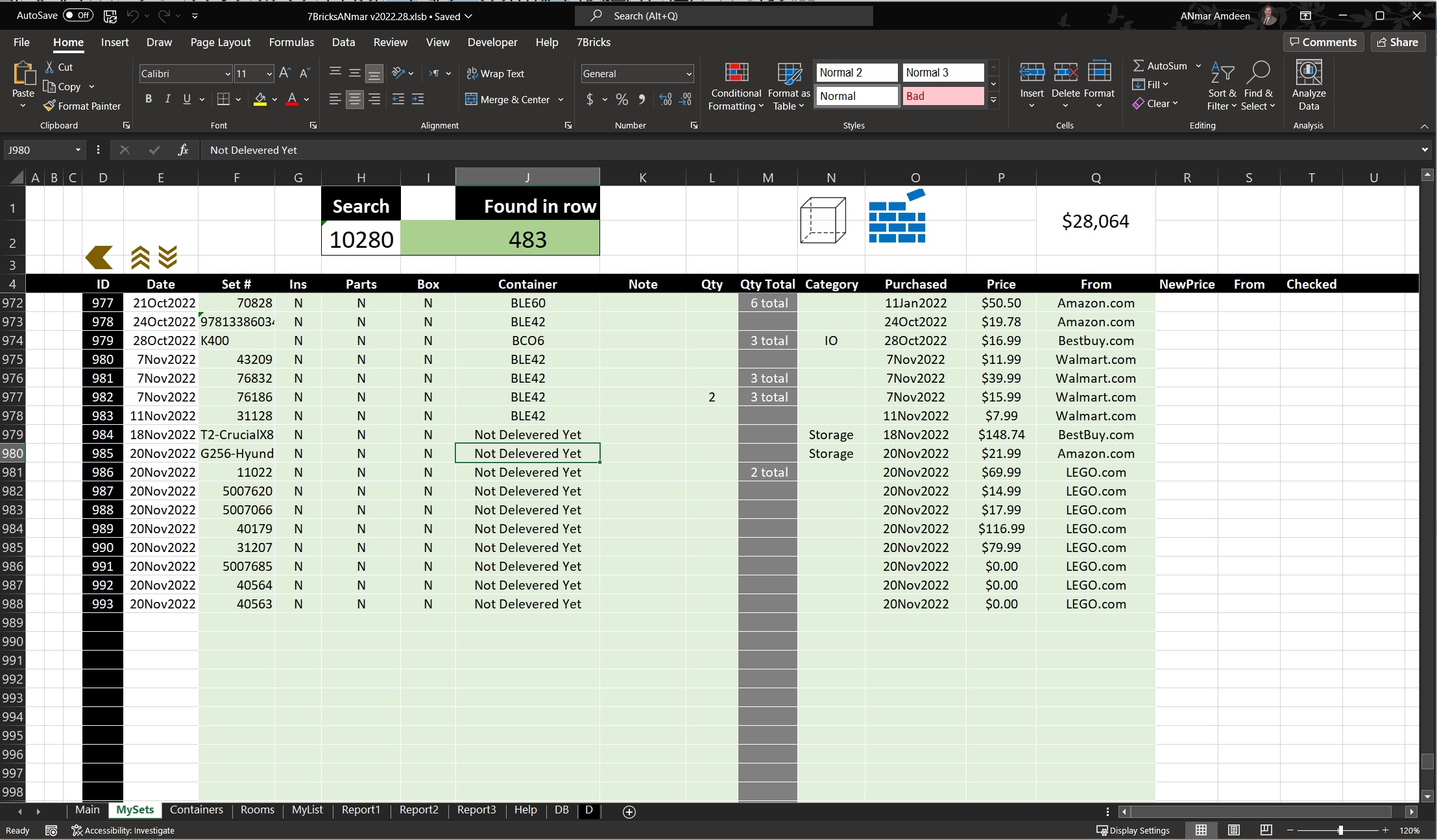
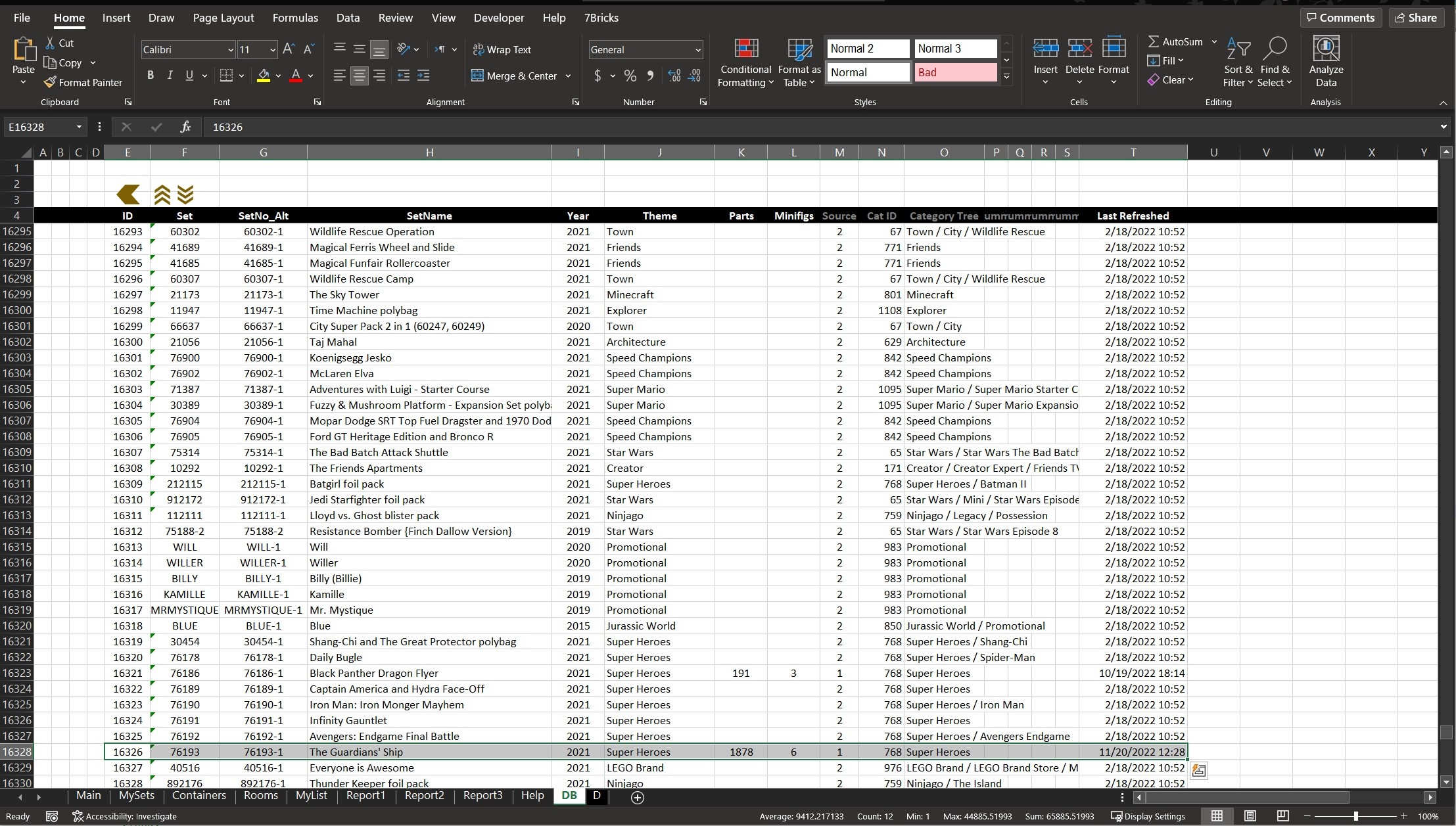
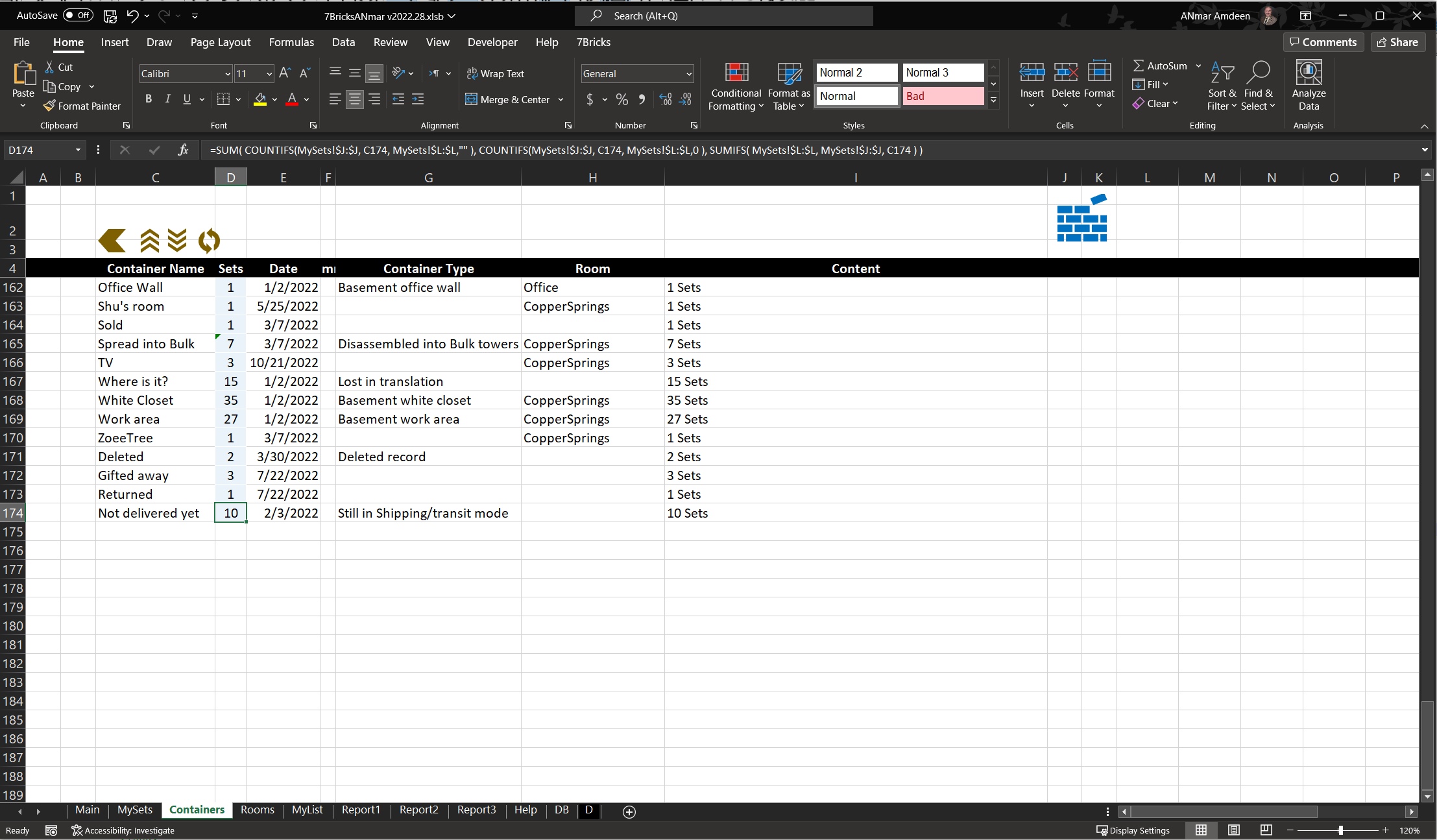
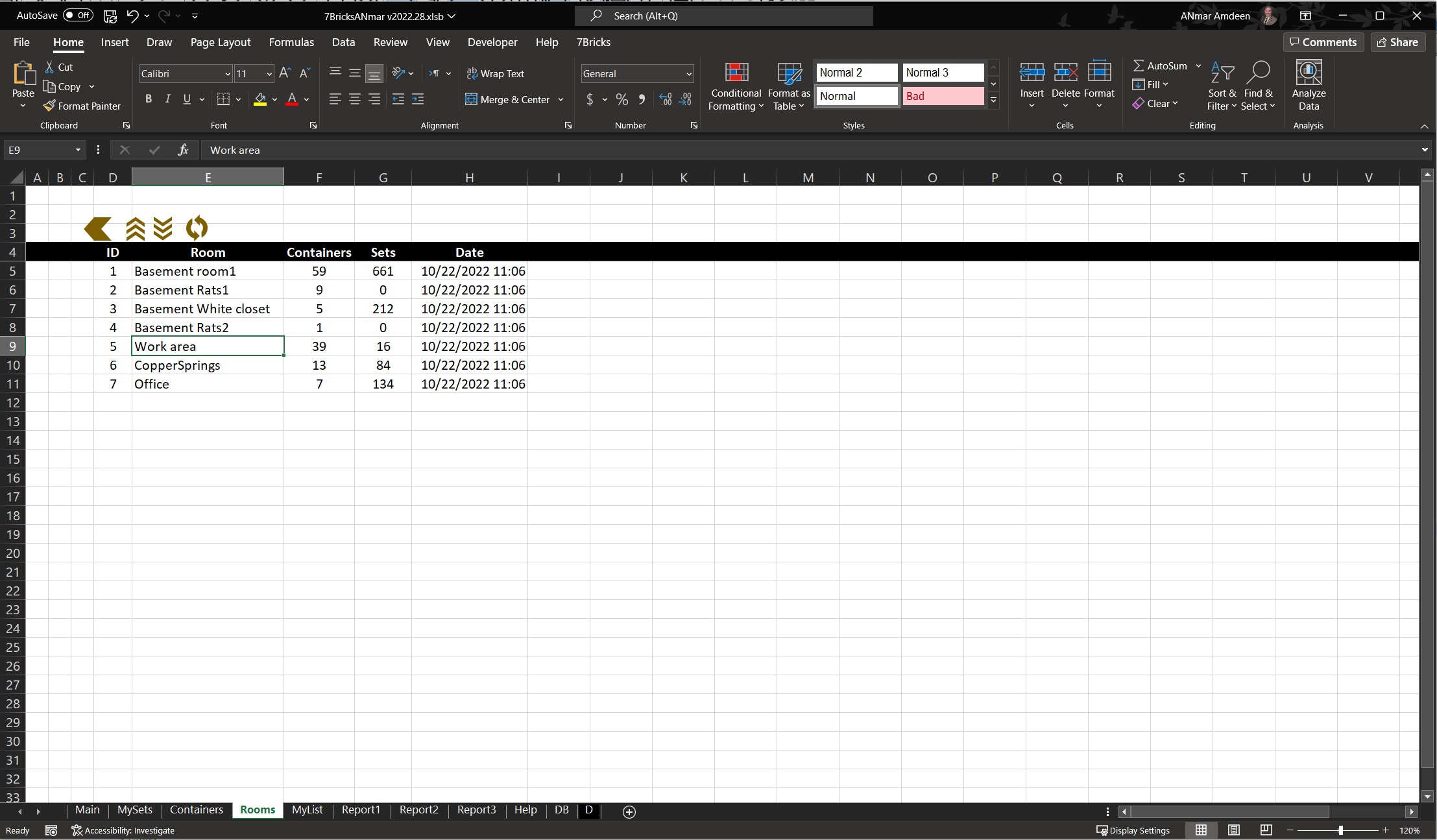
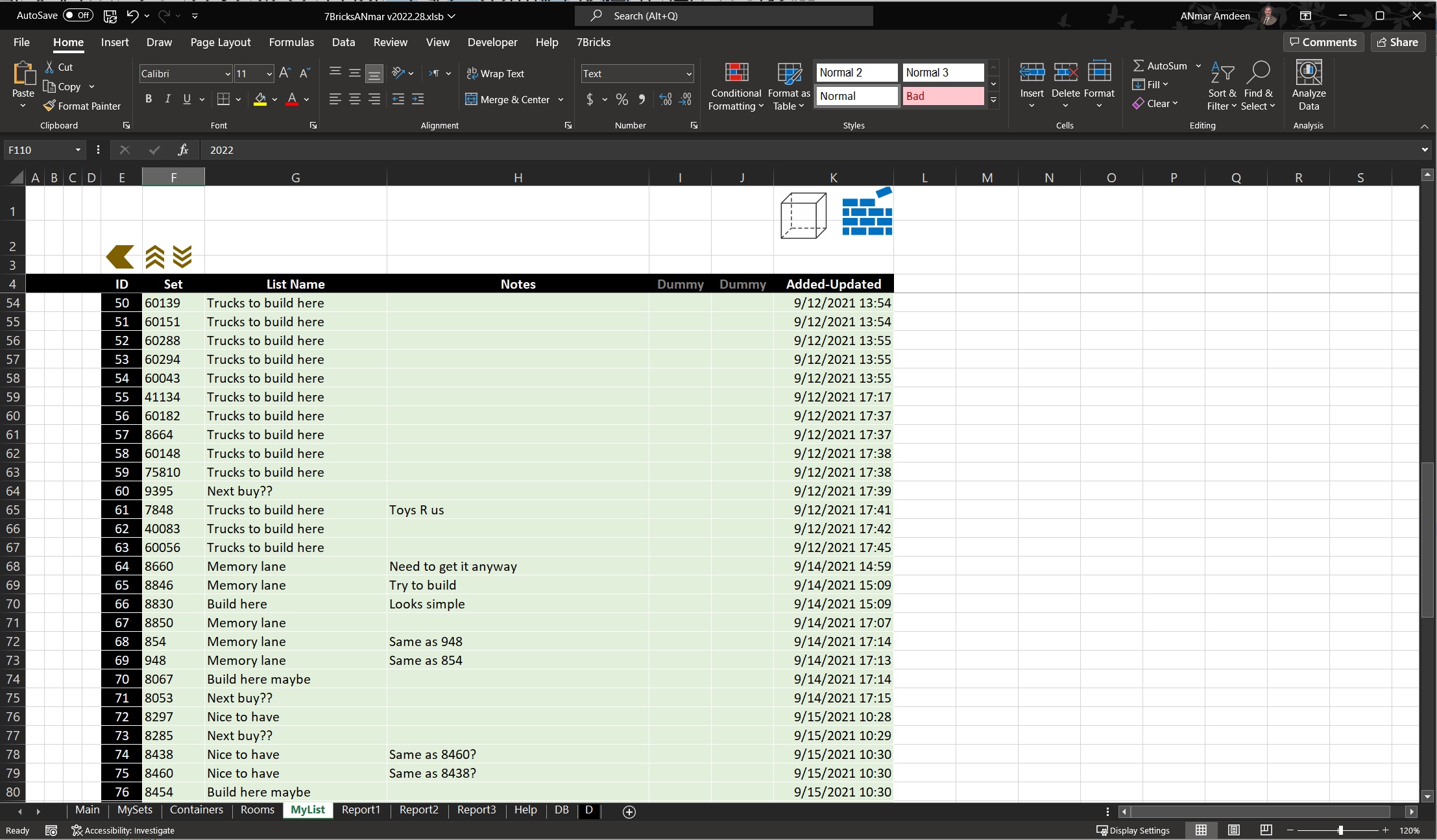
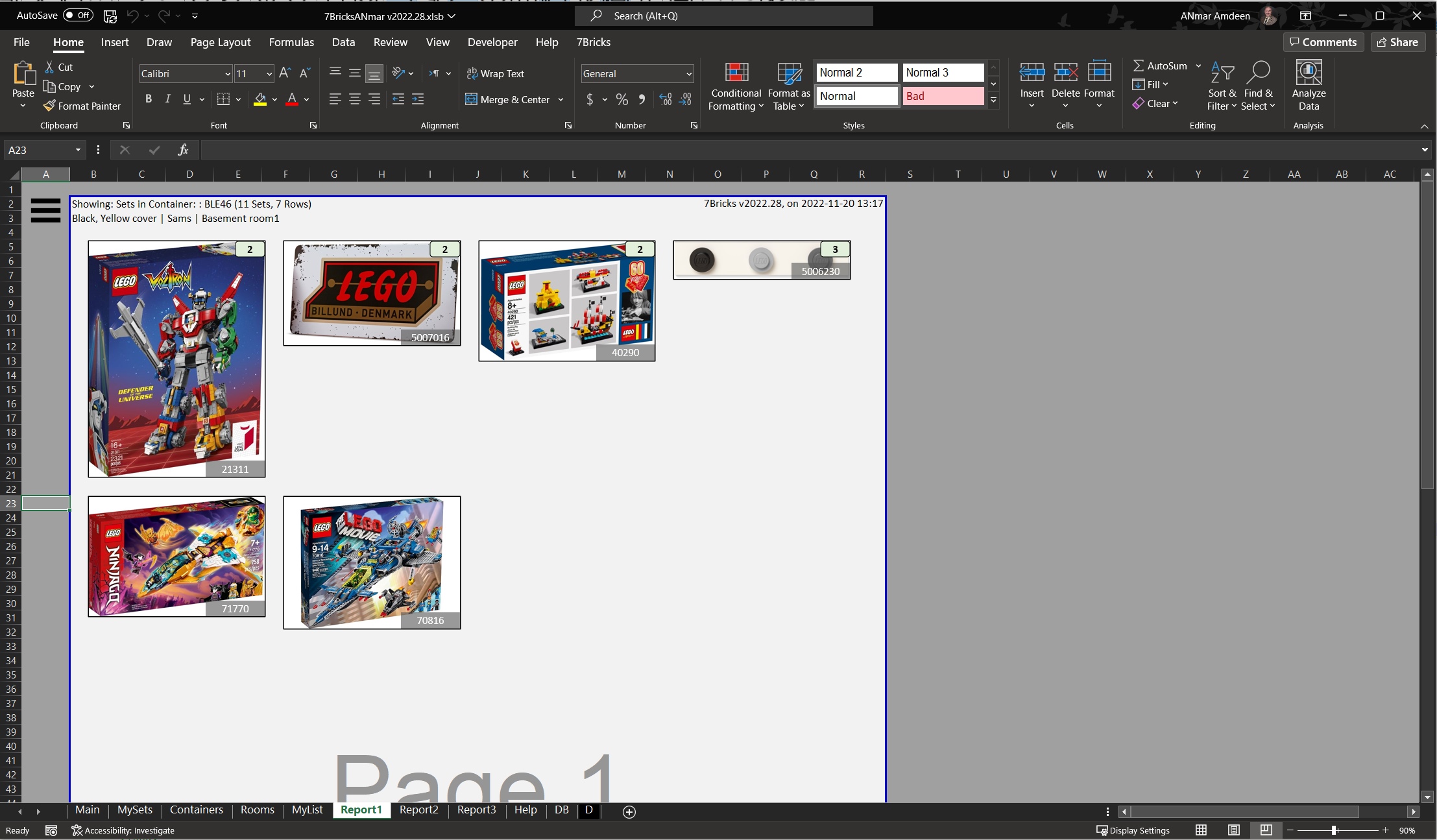
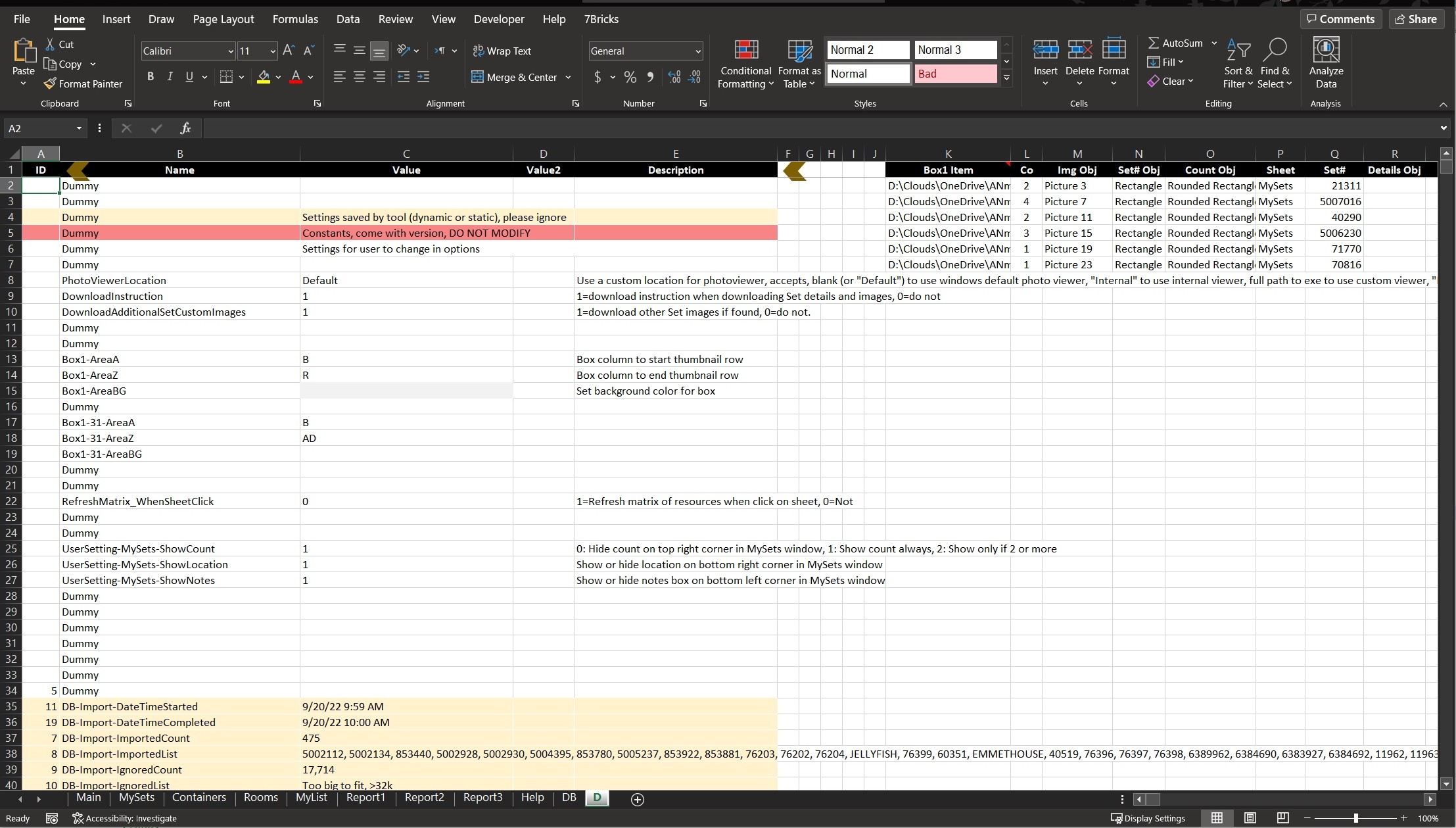
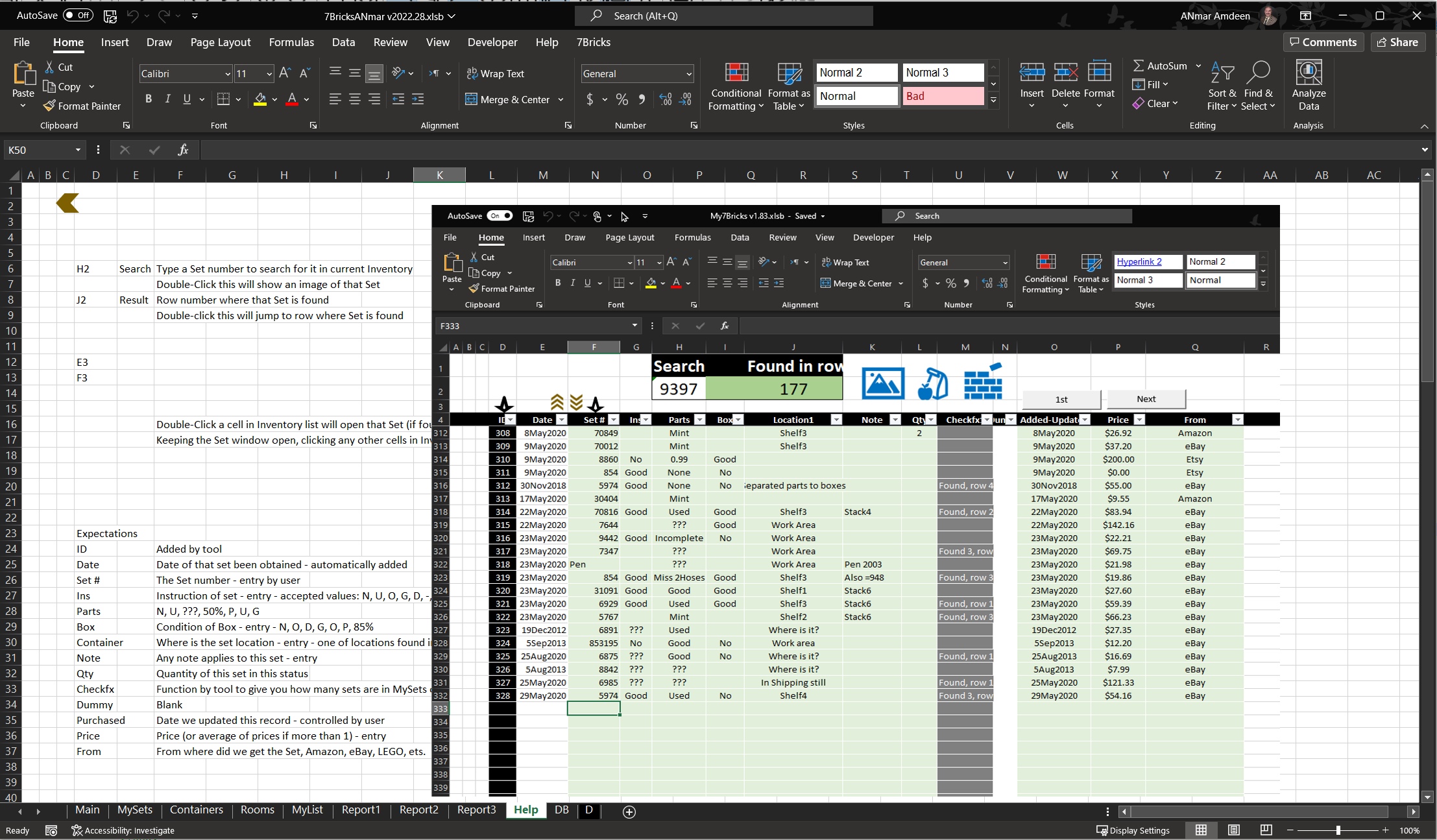
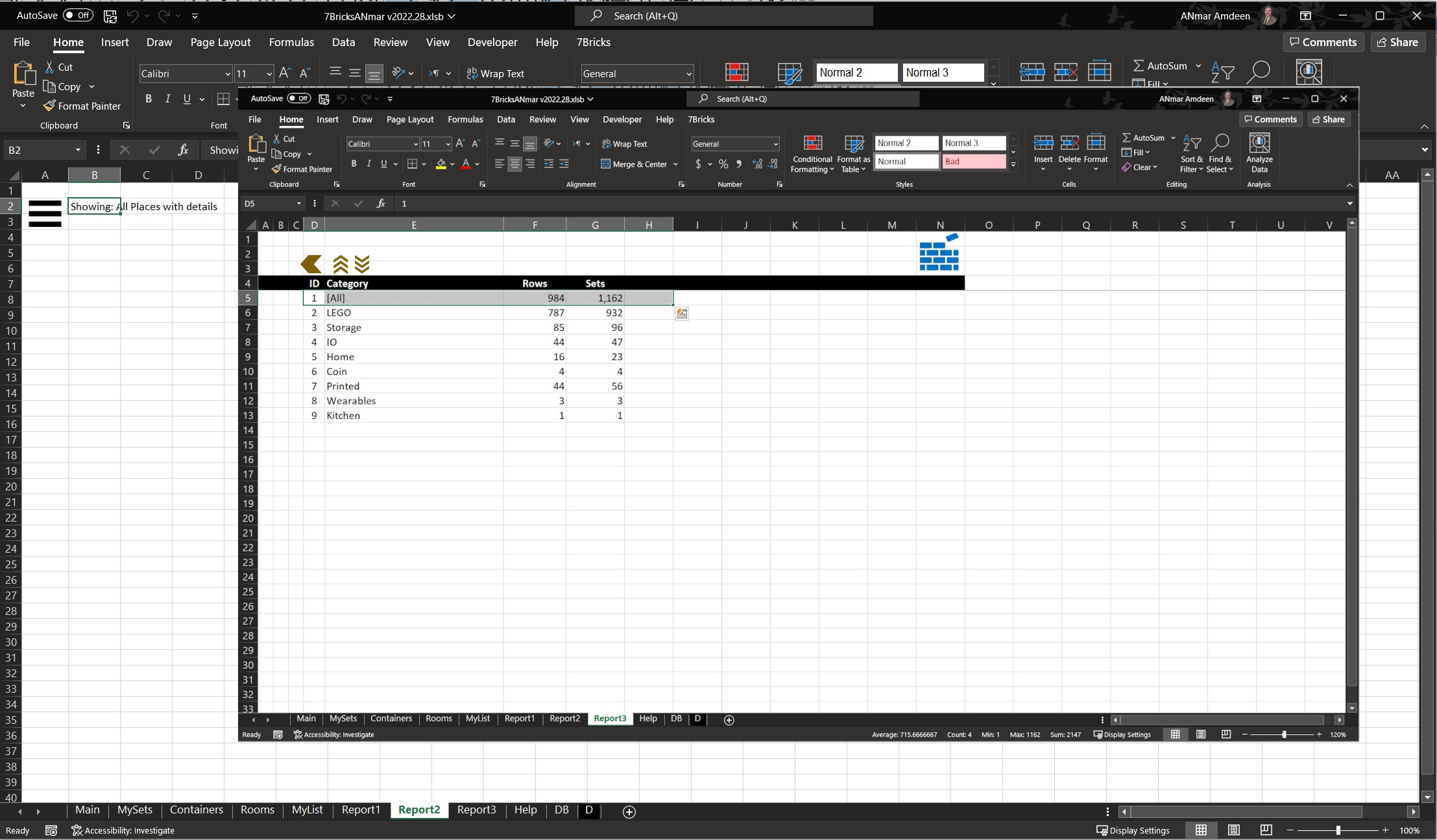
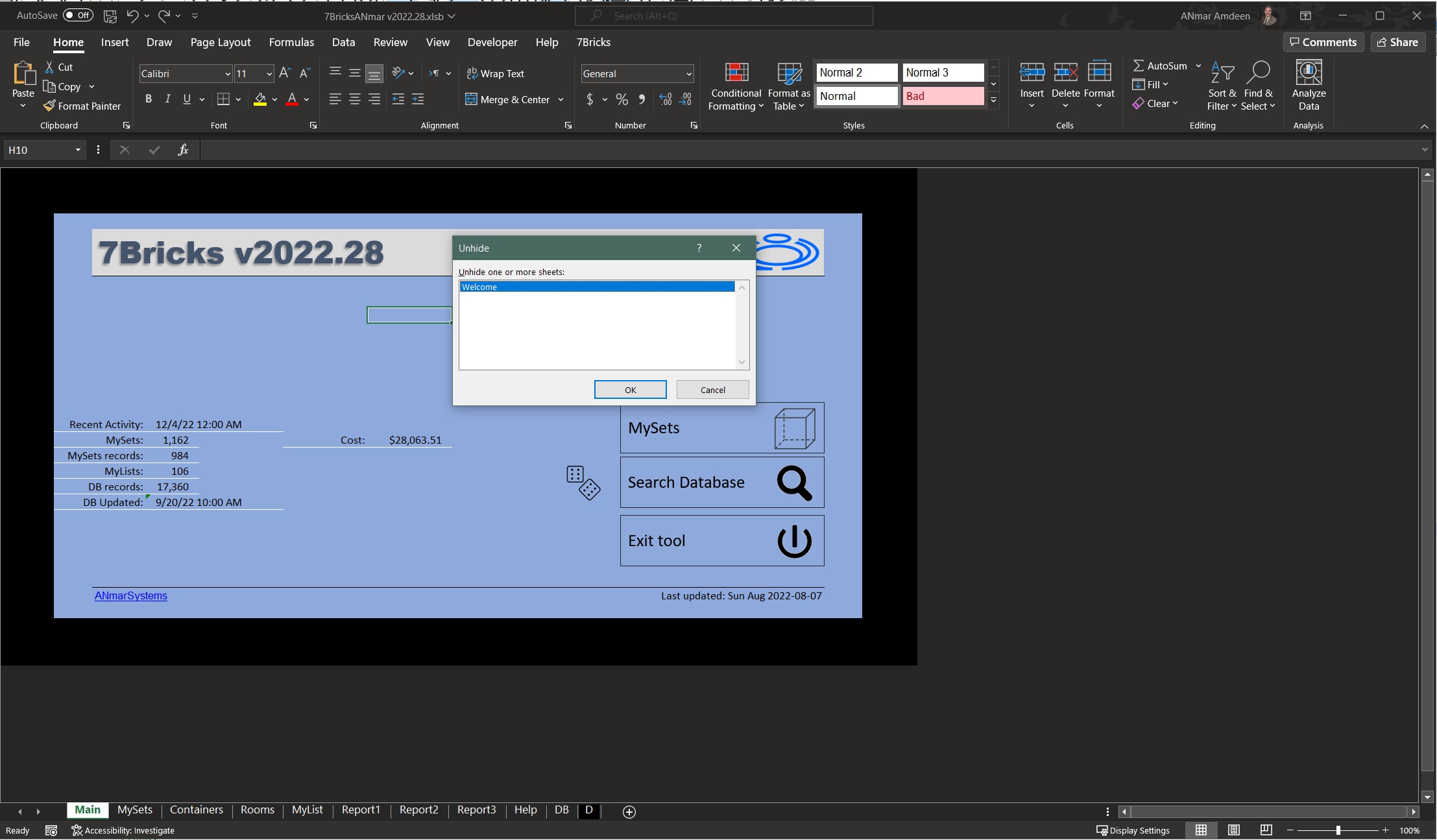
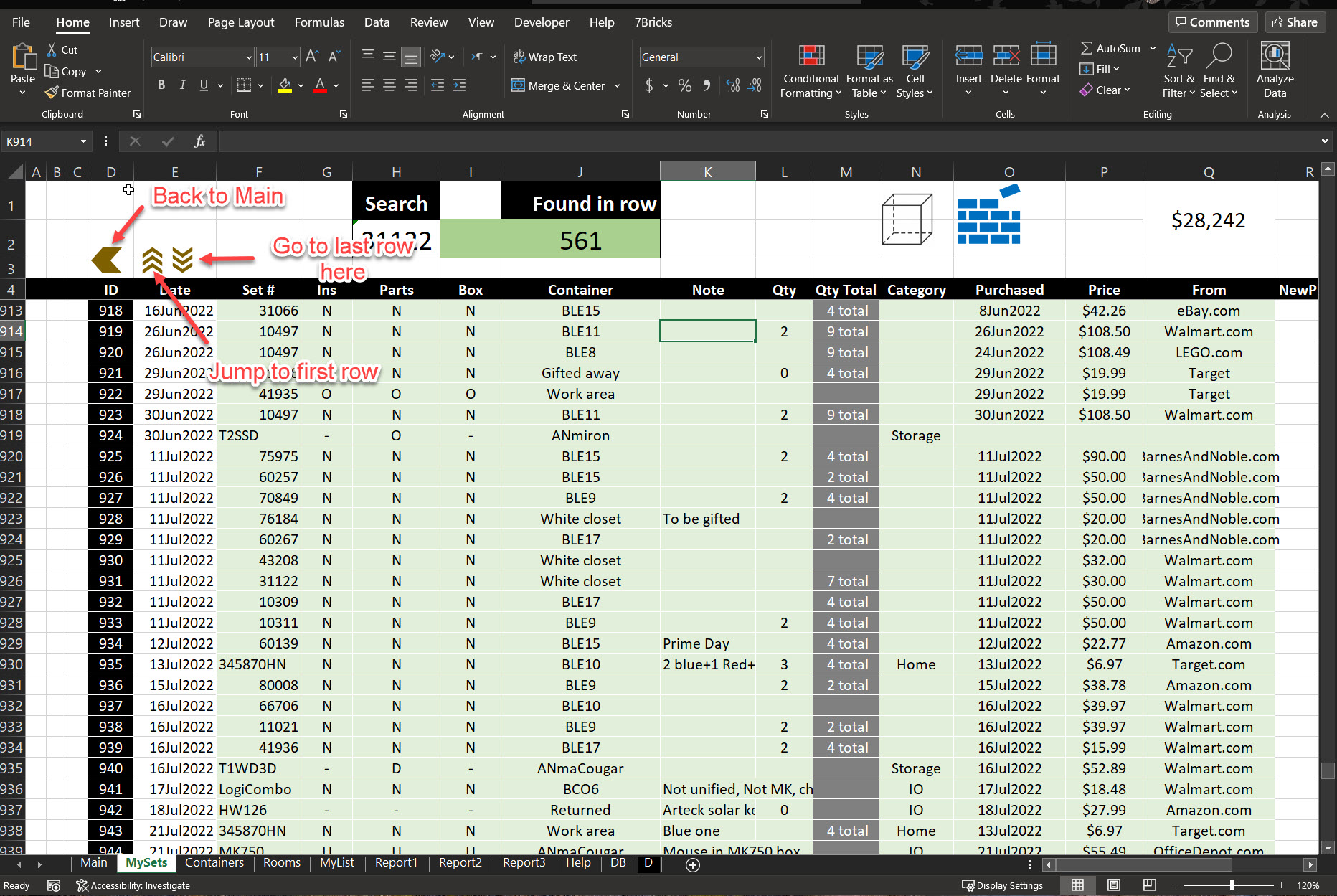
MySets
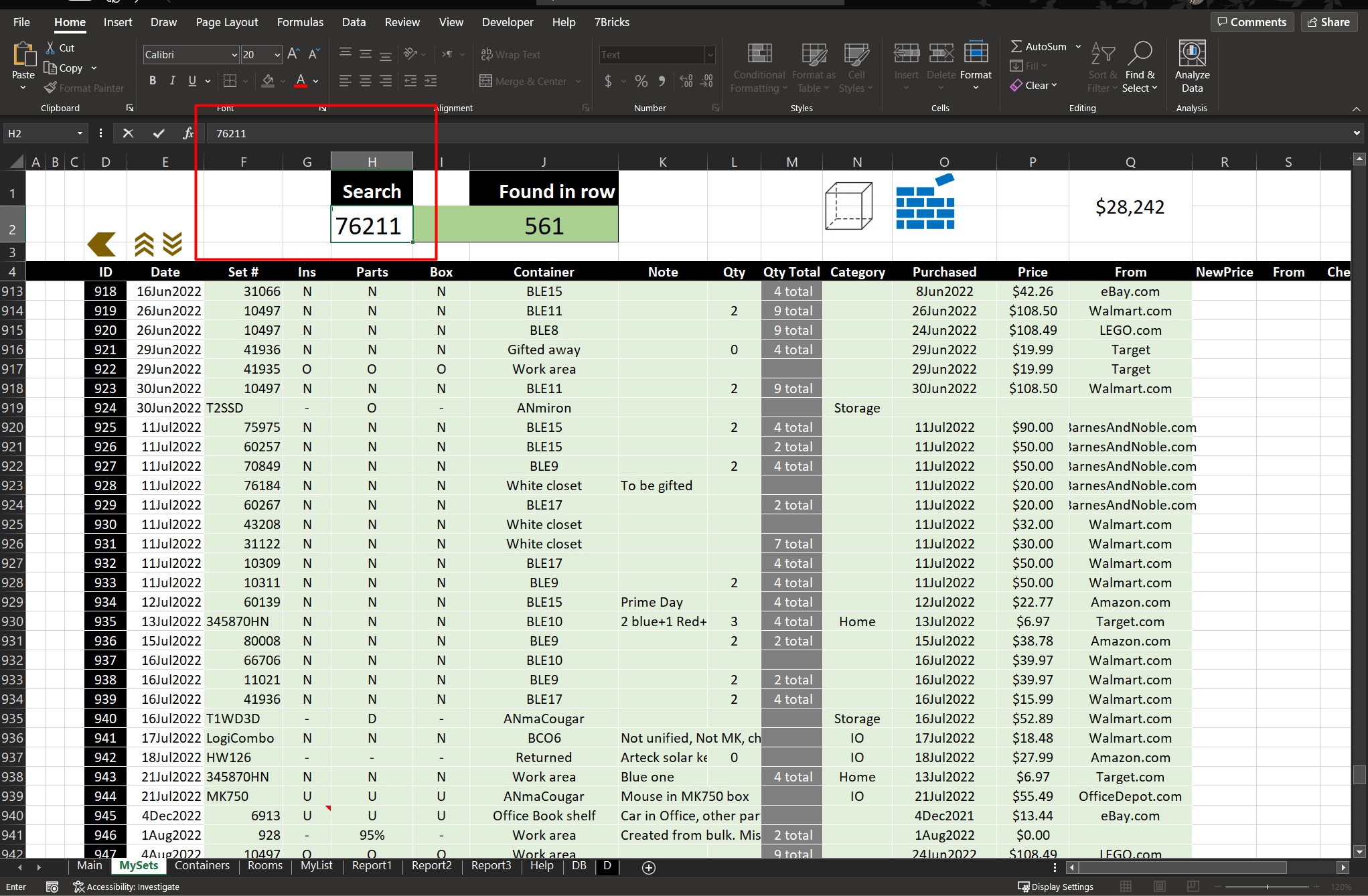
Main sheet storing all items in your collection, used here for LEGO sets.
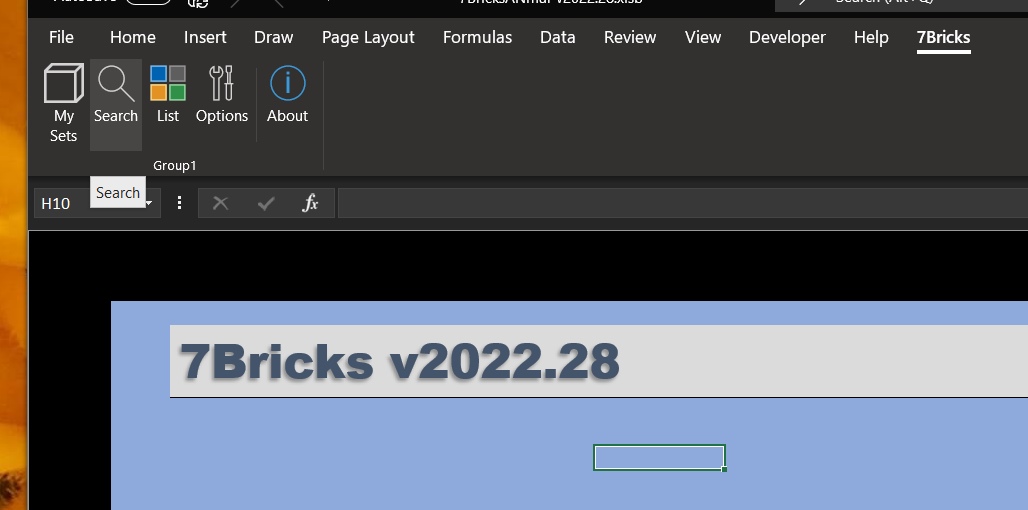
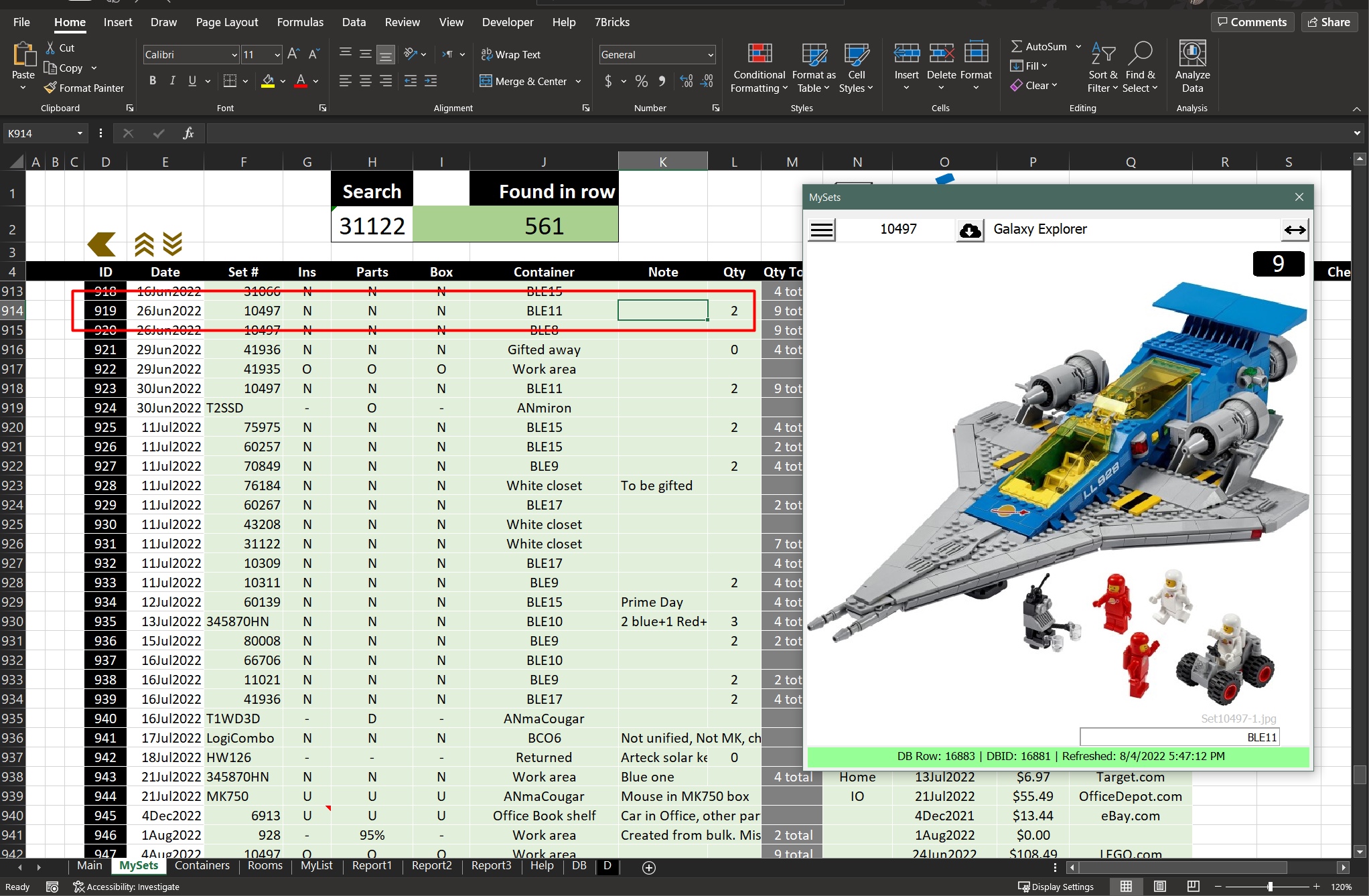
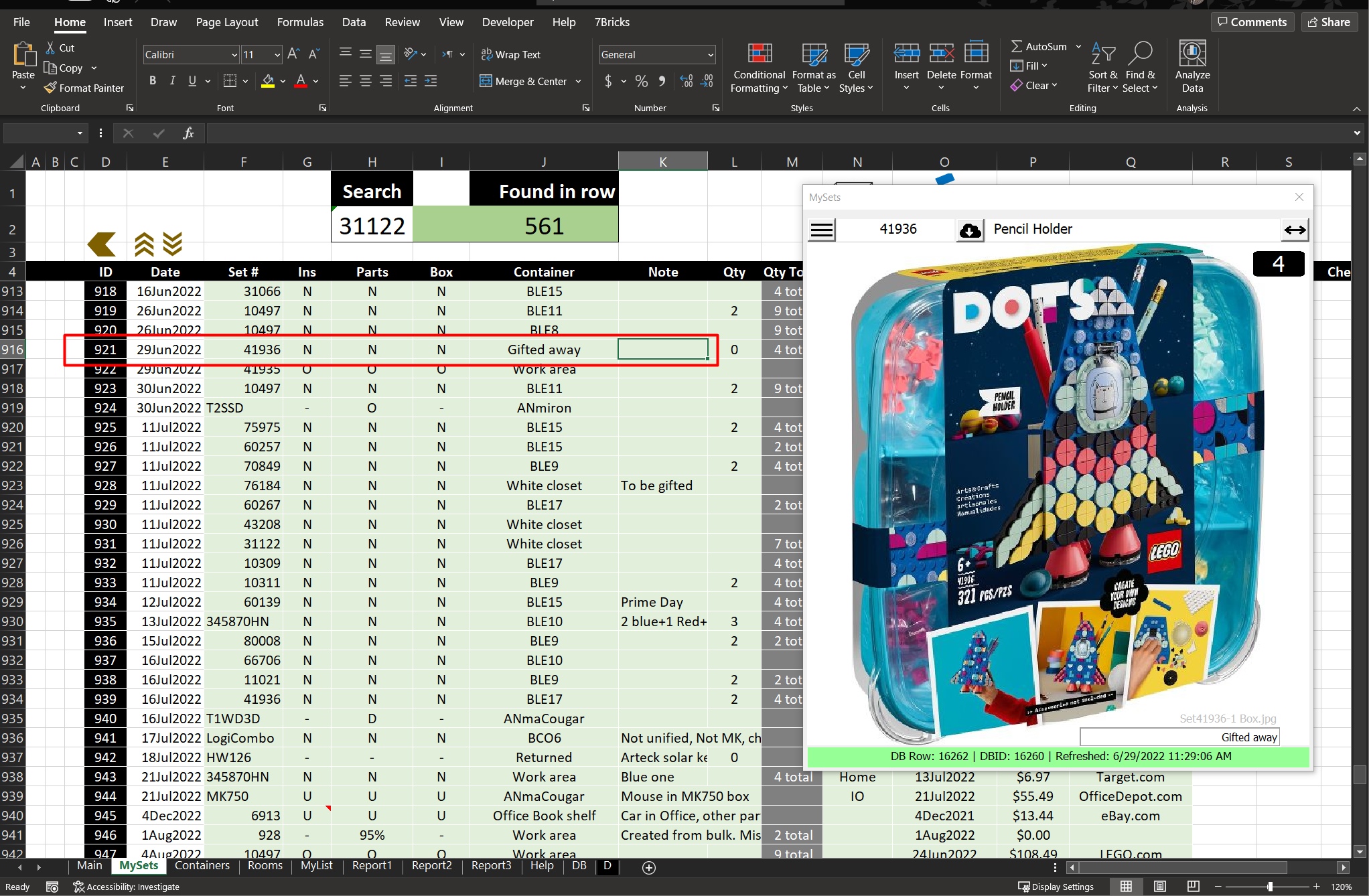
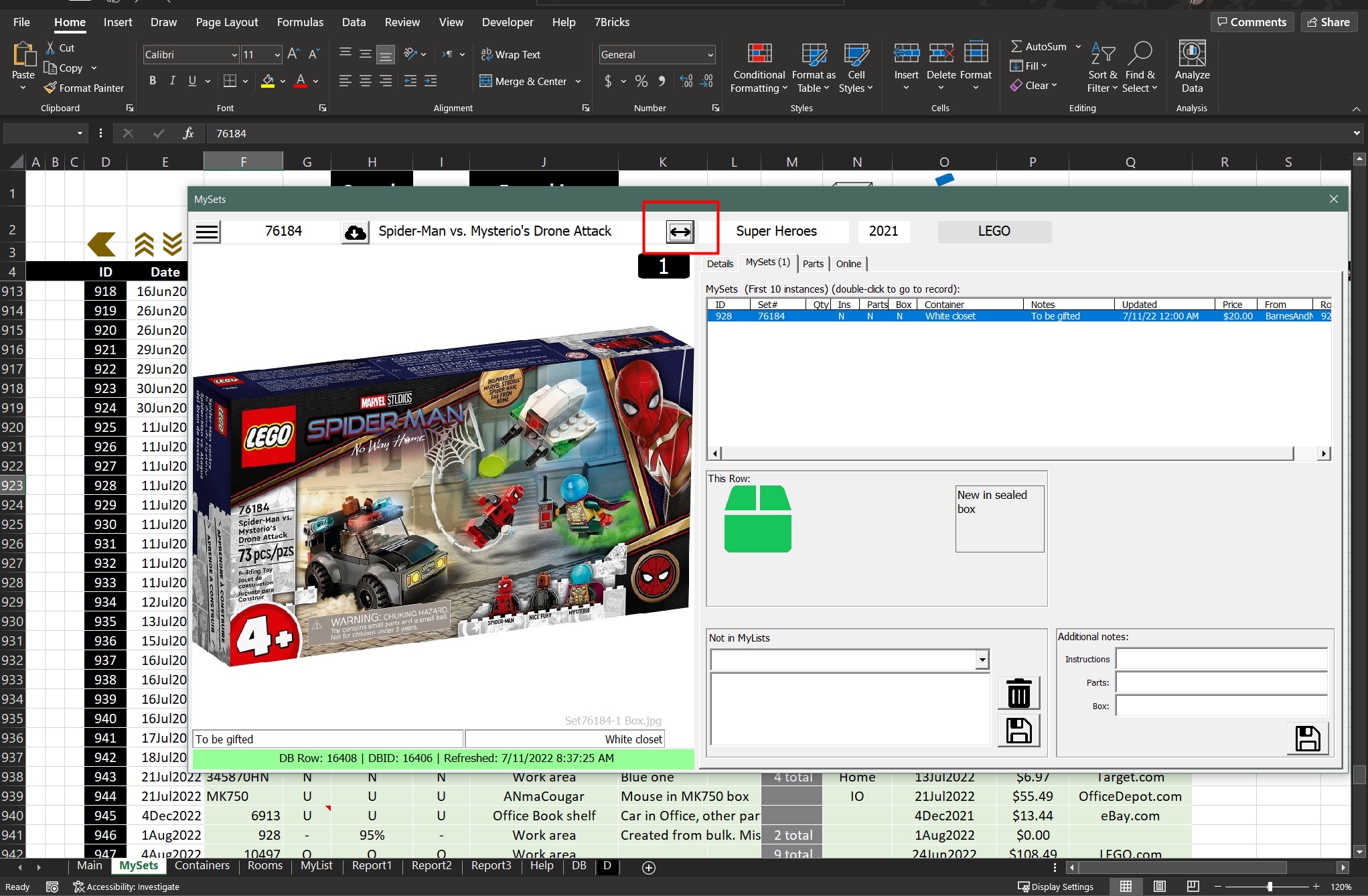
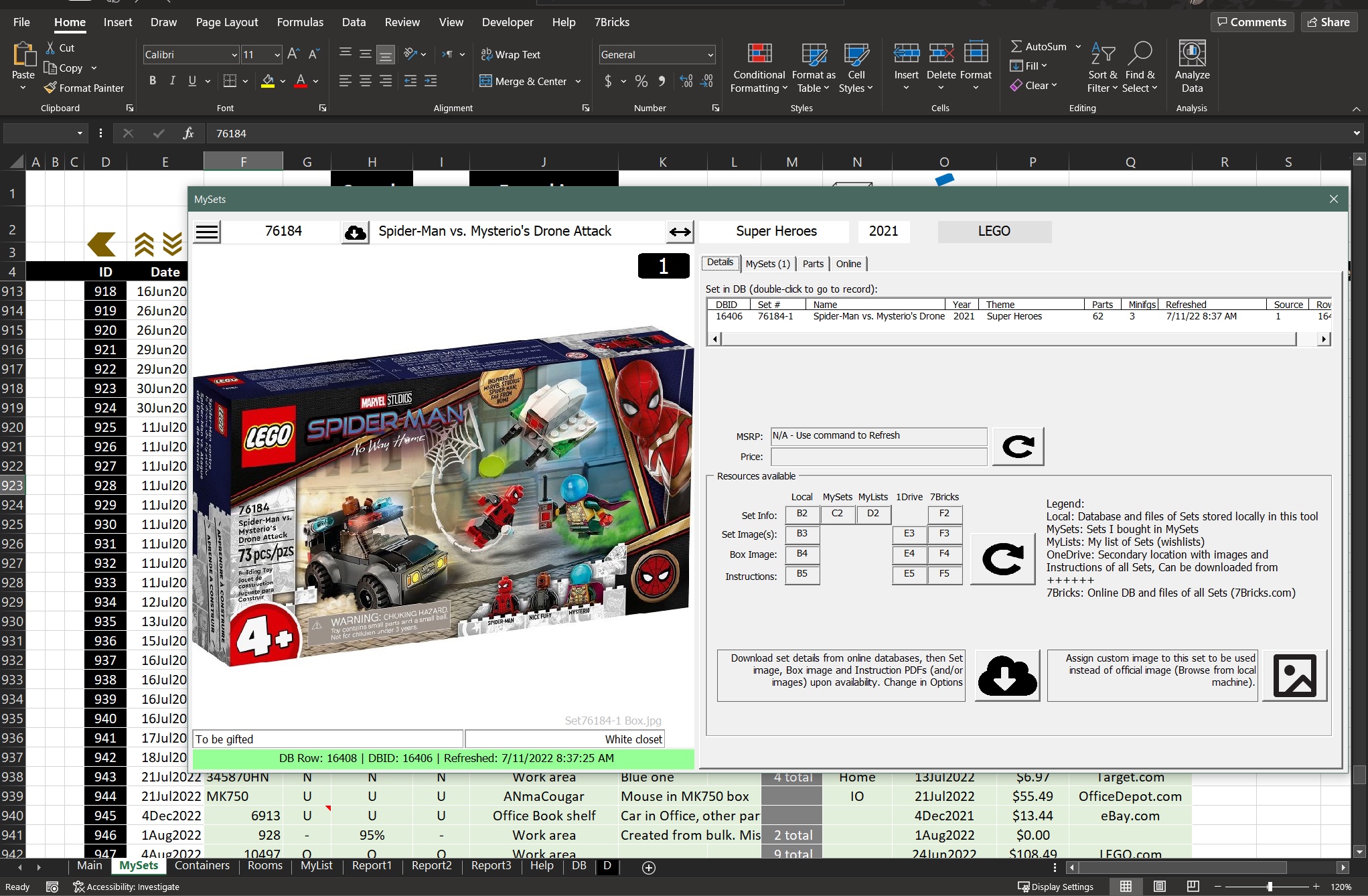
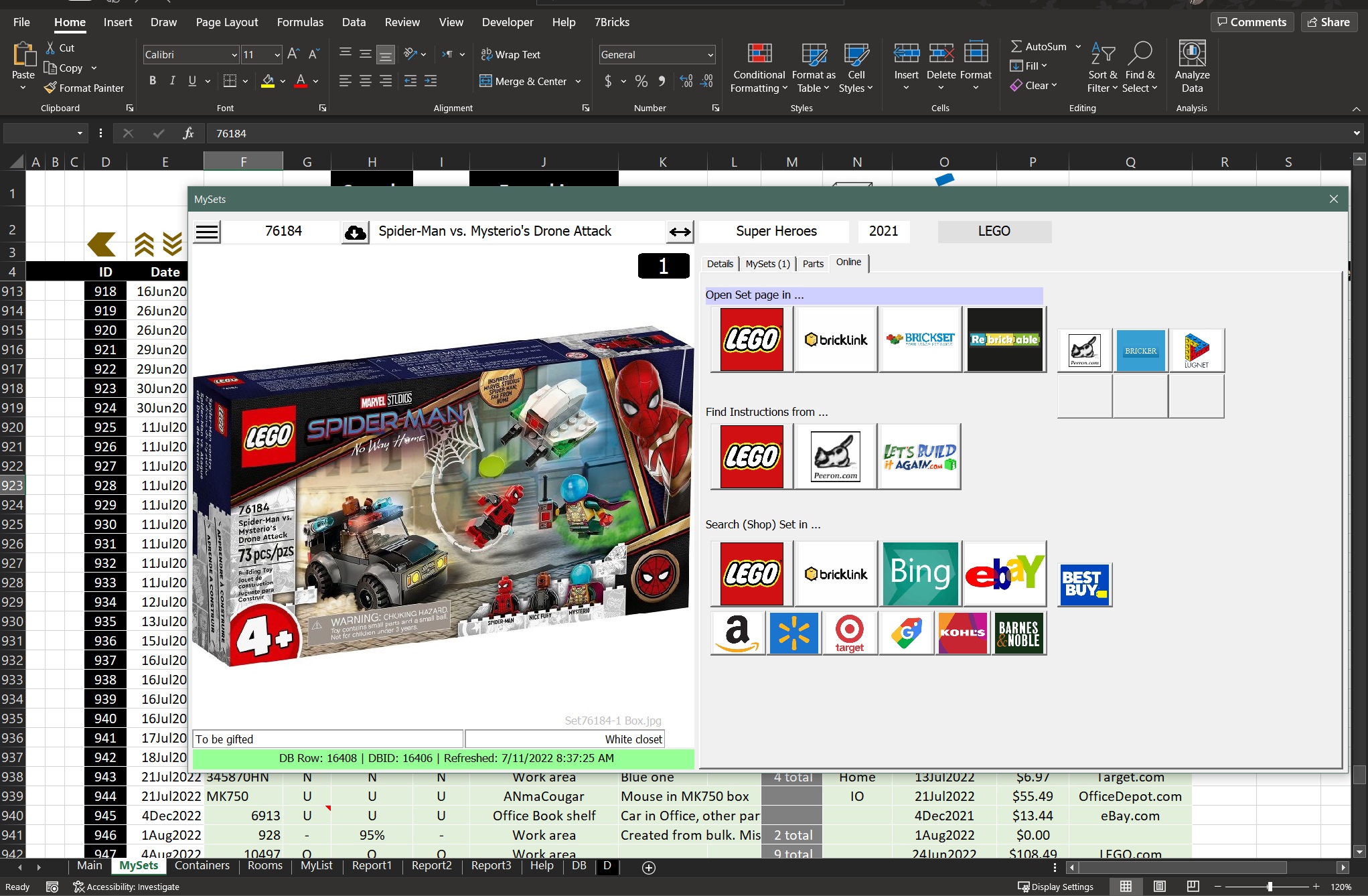
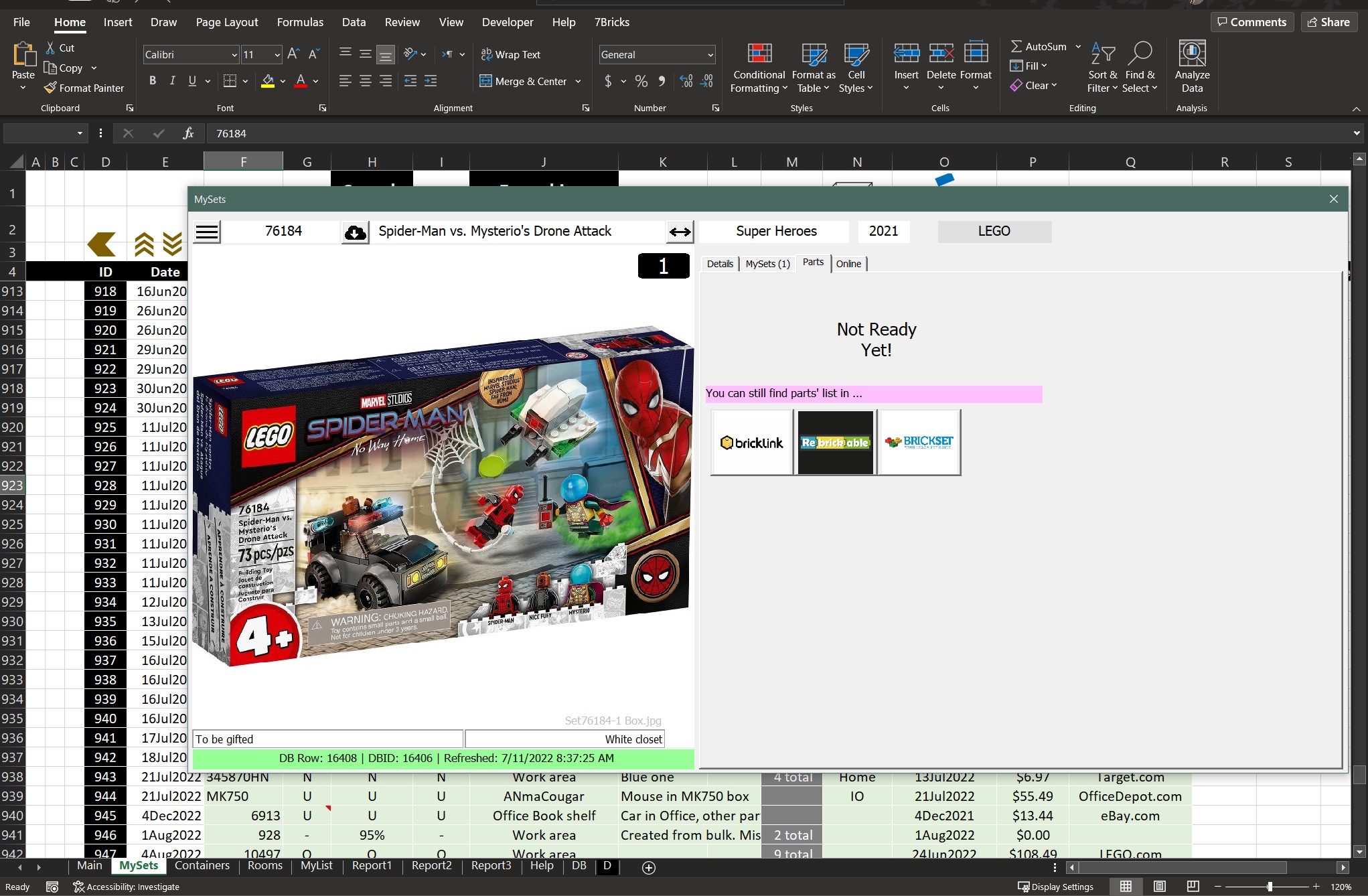
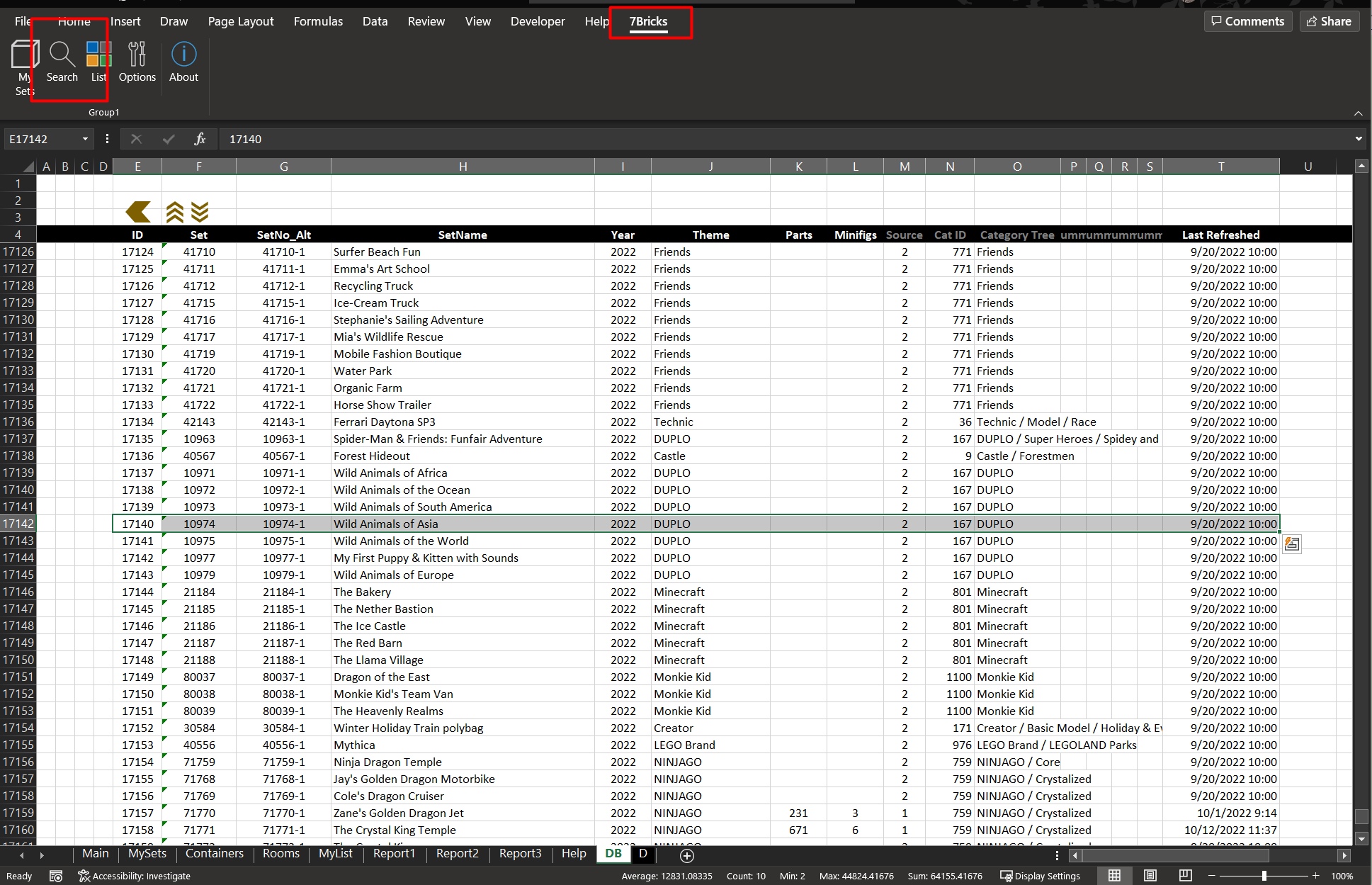
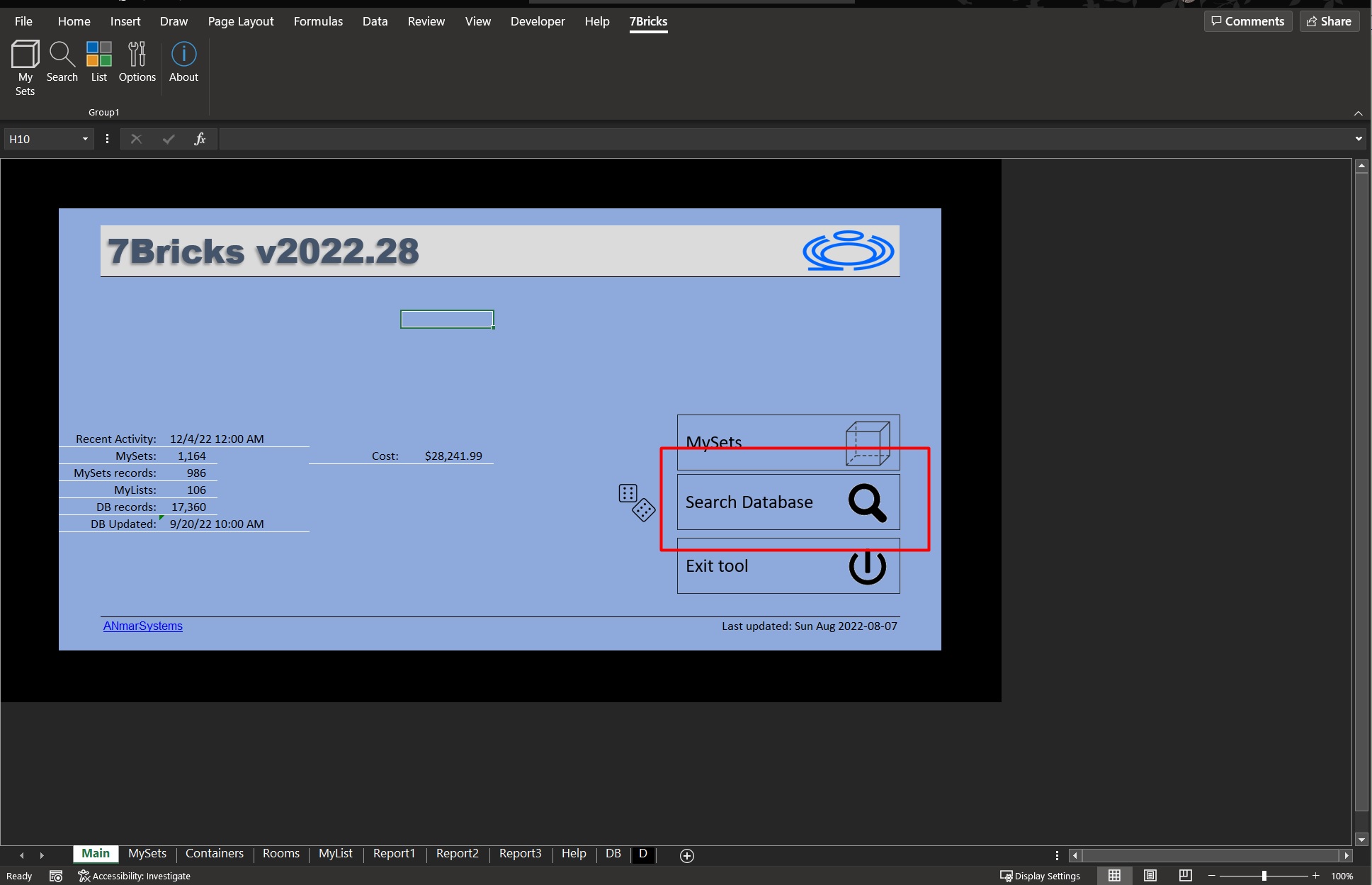
Search
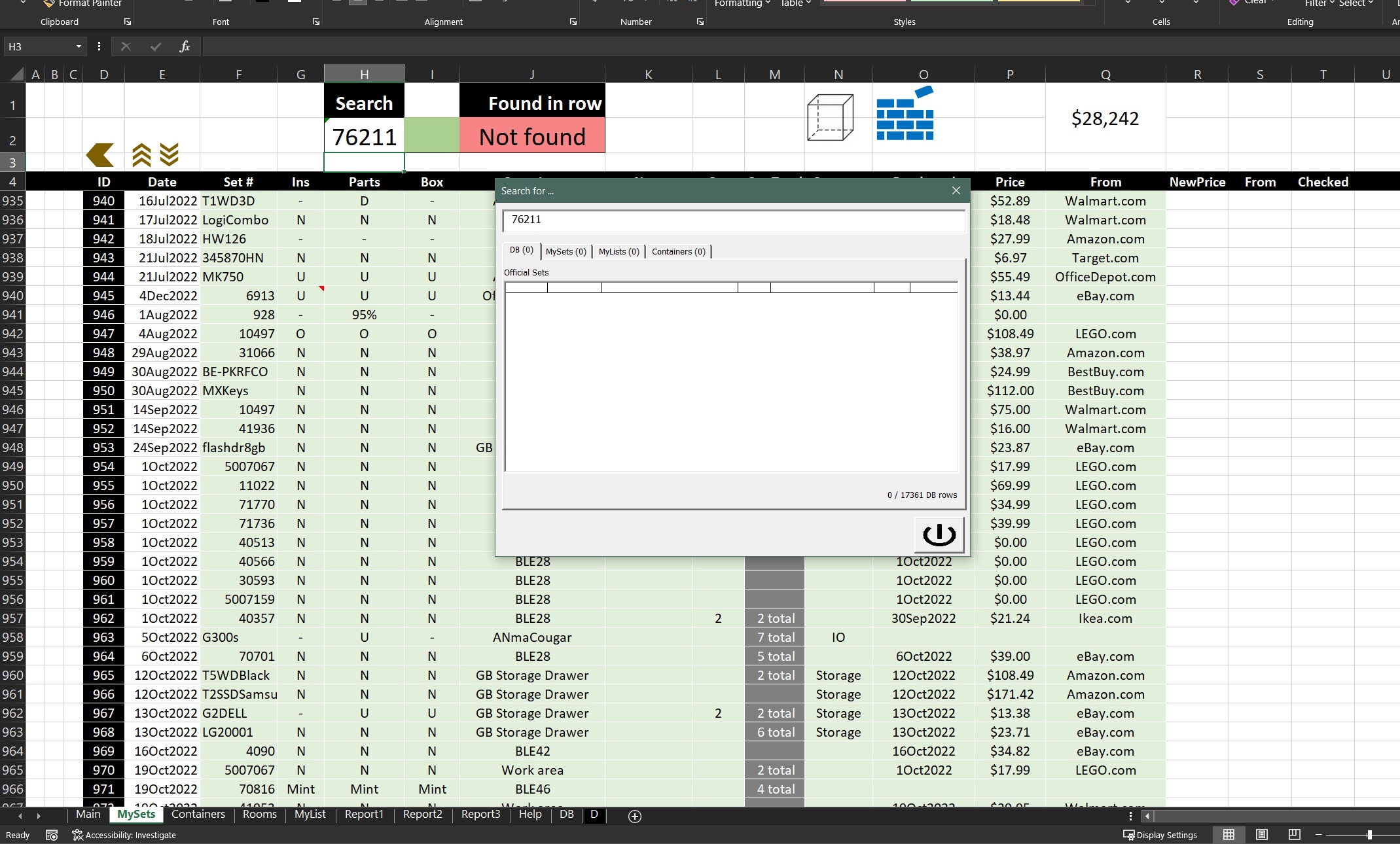
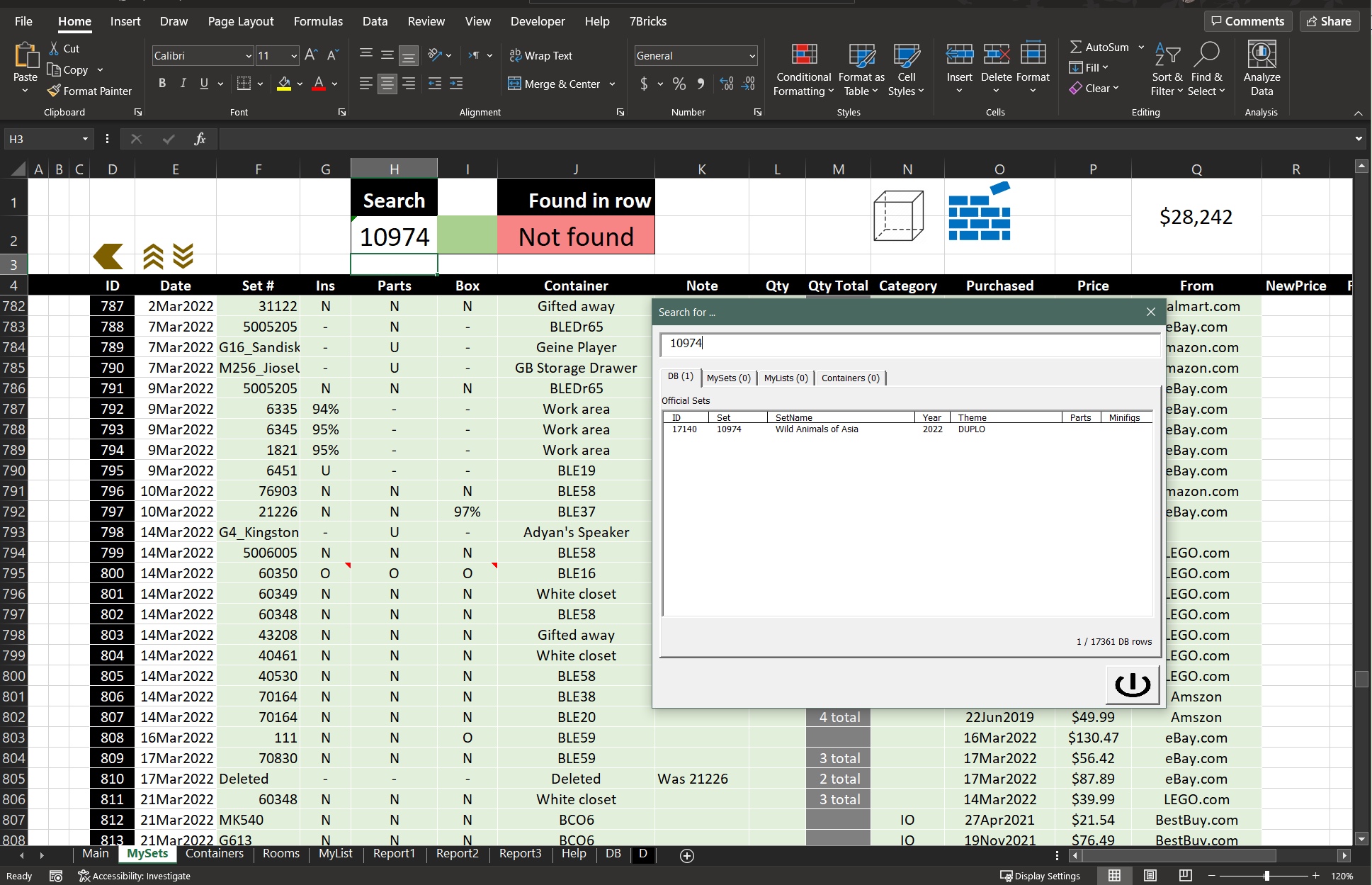
Quick and extended Search commands
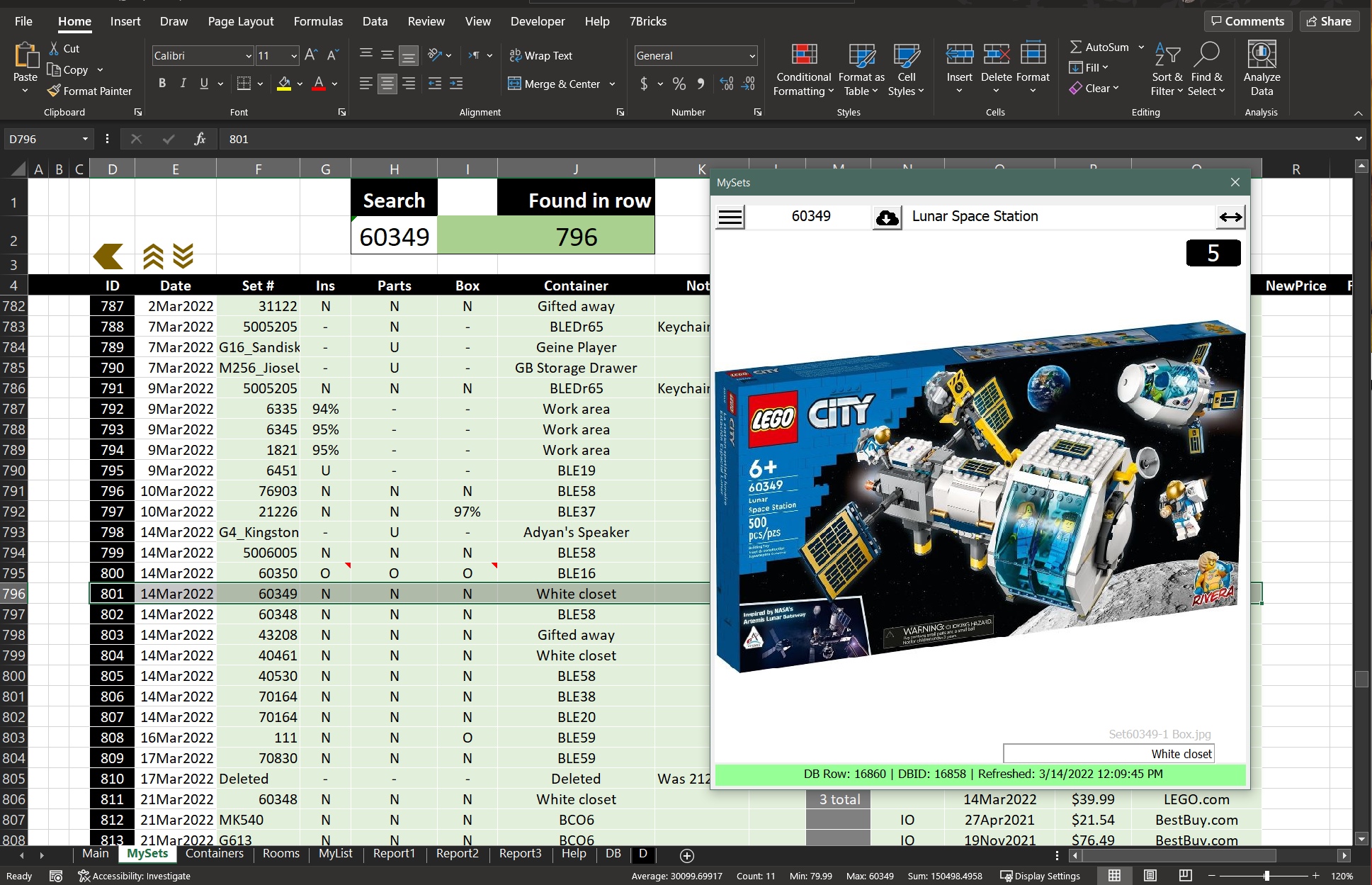
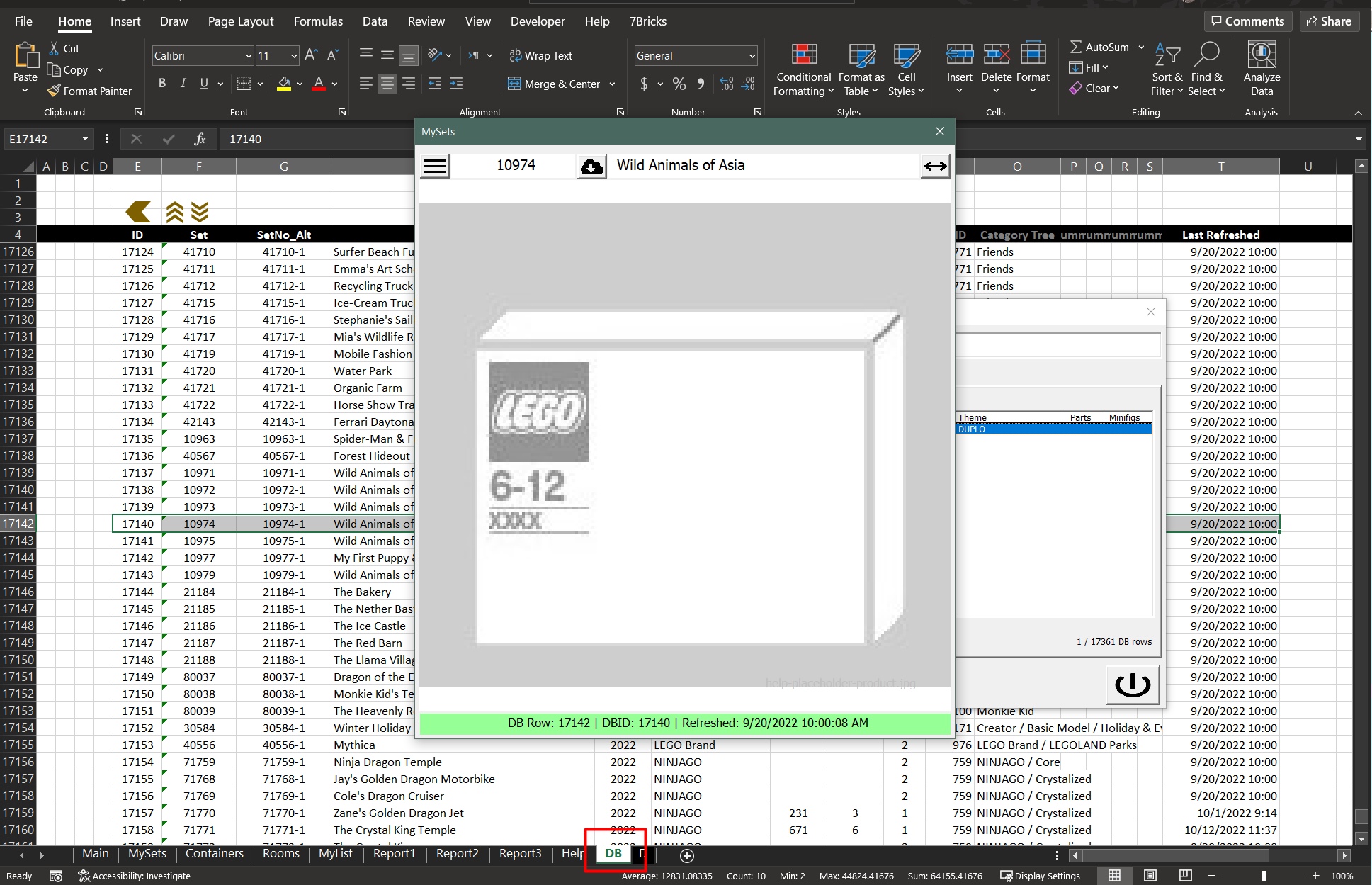
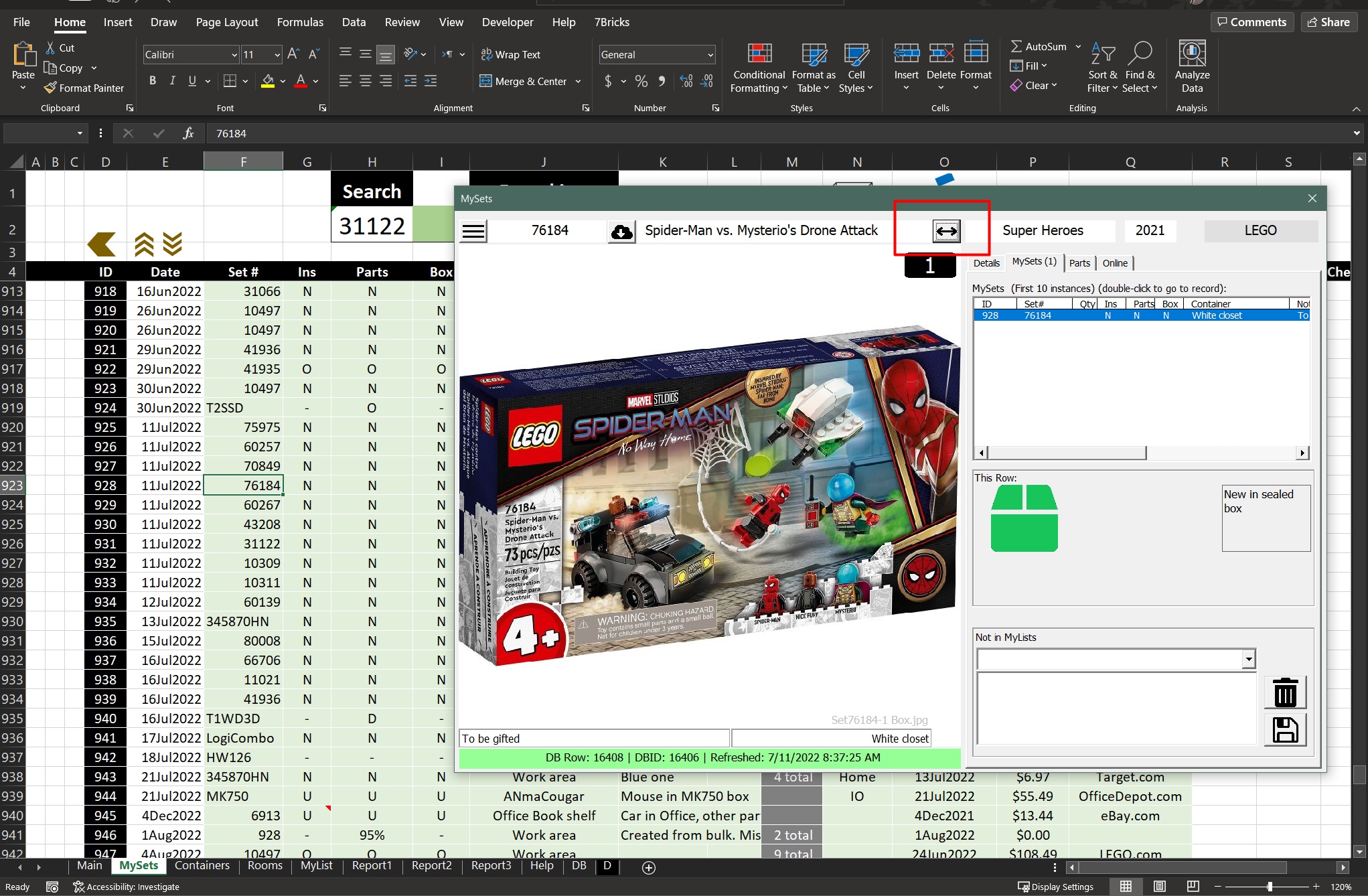
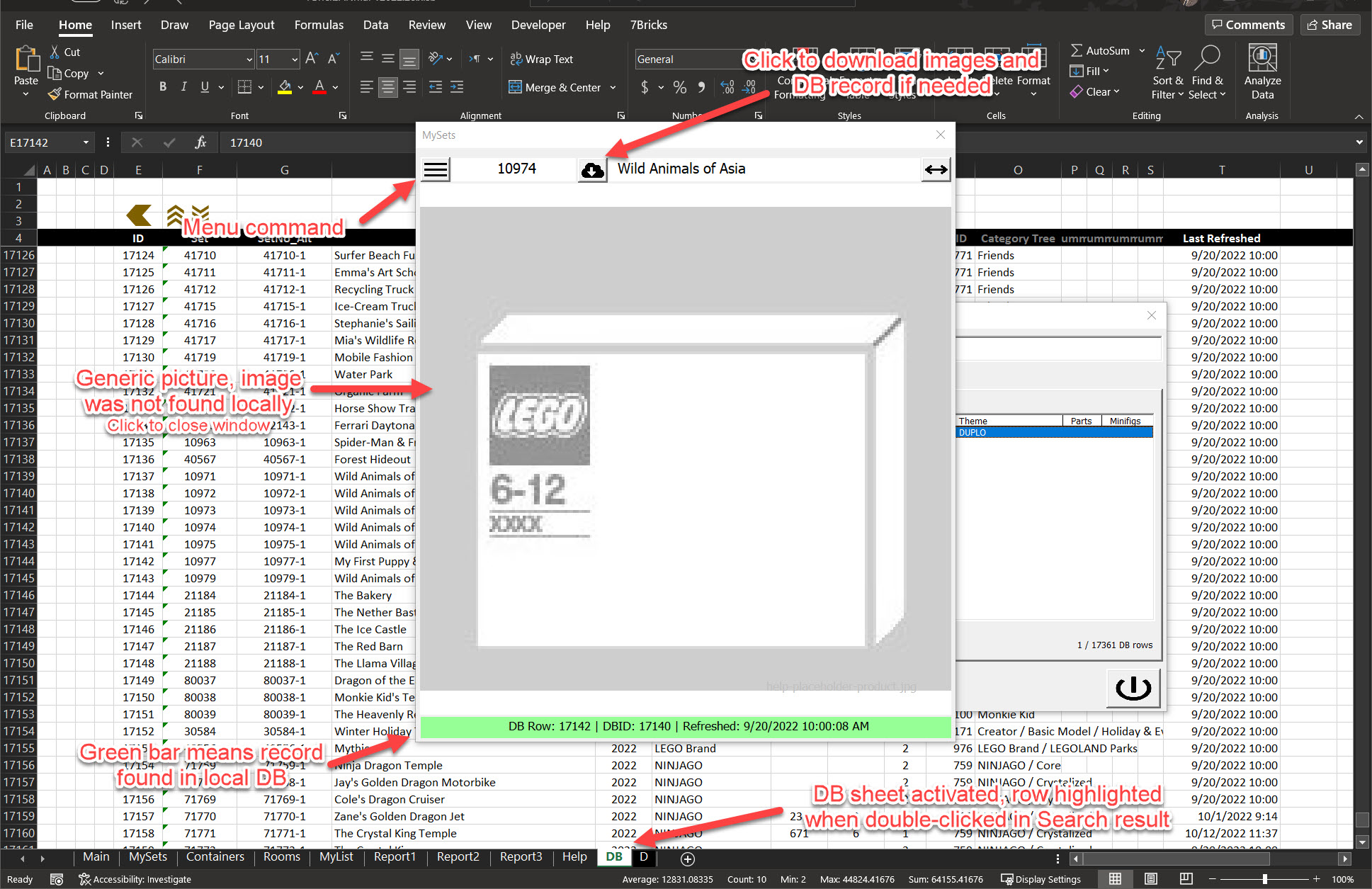
Set Details
Areas of Set Details window in all 3 sizes
How-Tos and F.A.Q.
More F.A.Q.sStart using 7Bricks
- Download zip file
- Extract it to a local folder on your machine (Do not open from inside zip)
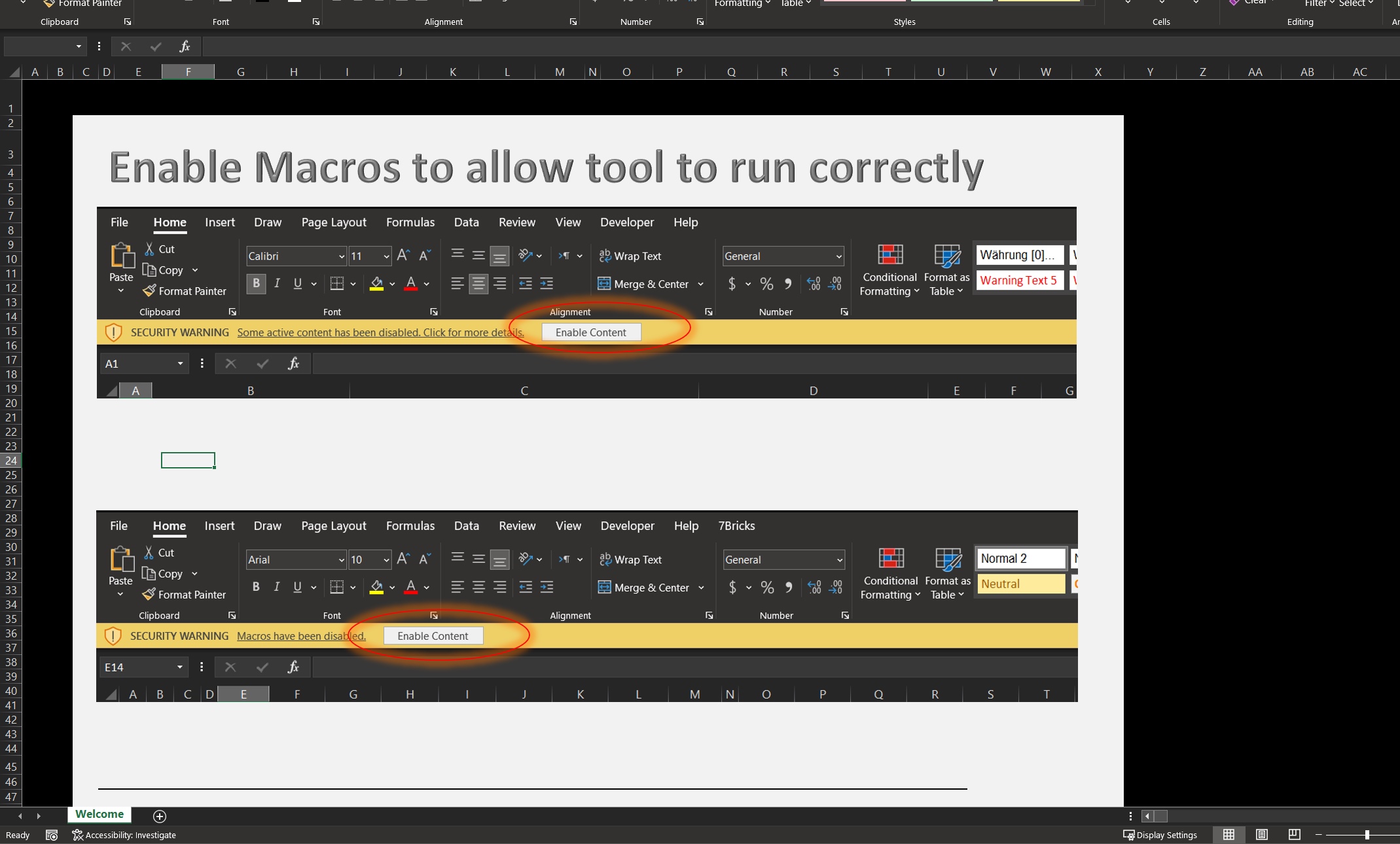
- Open 7Bricks.xlsb and enable macros
Limitations?
Yes, app is designed to ...- Run on Windows machine, not on mobile, nor tablet
- Run locally, no Excel online support
- Built for Windows, other operting systems are not tested yet
What can I use 7Bricks for?
Any collection, where you want to have inventory, like dolls (We started it as LEGO collection app), cars, cacti, books, shoes, you name it. where you want to have a list with pictures (multiple picture per item) and condition, New, used, damaged, etc.More >
